

AICKO IPTV is a free IPTV player for Windows 10 and 11. You add the address of your own M3U list or your Xtream codes, and it plays live television, films, series and radio.
The program provides no content: like any media player, it reads what you give it. If your list includes French channels, it becomes daily listening practice for your French.

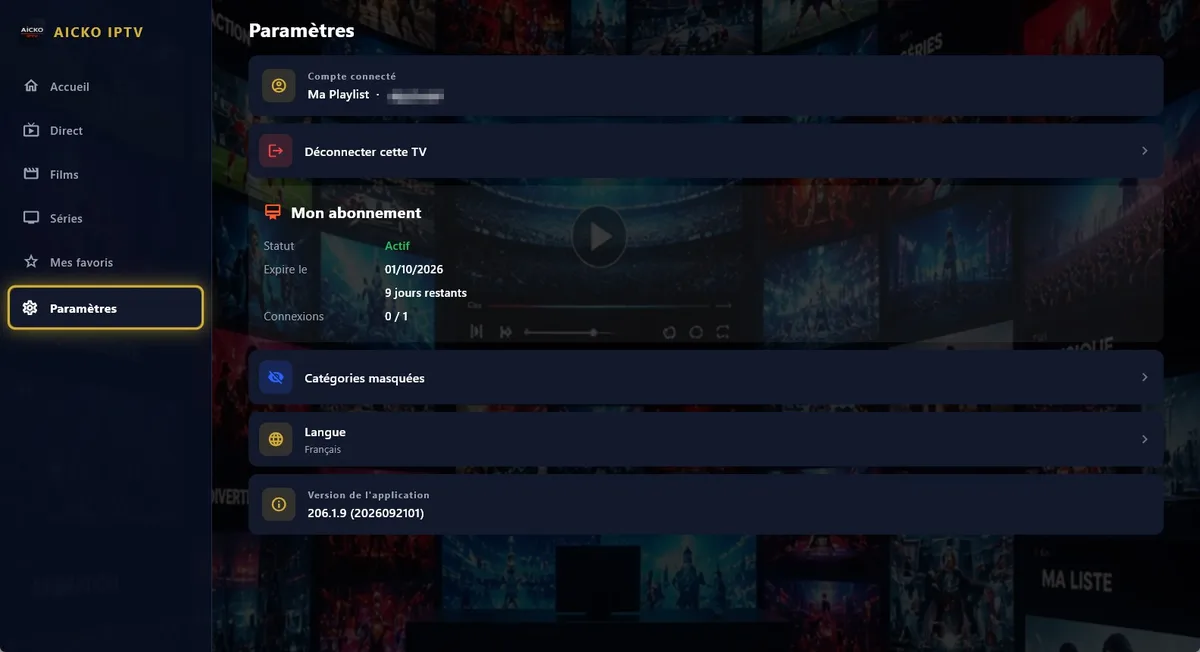
At a glance
- Platform: Windows 10 and 11
- Source: Microsoft Store
- Price: free
- Formats: M3U and Xtream codes
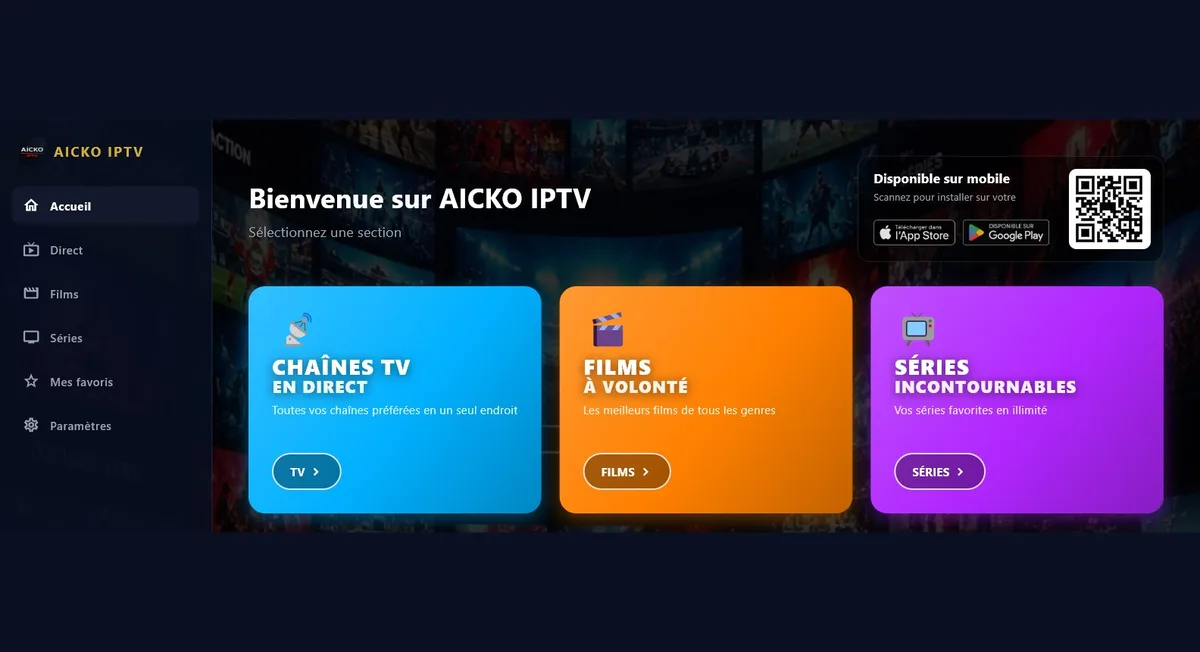
- Features: live TV, guide, replay, films, series, radio
- Content included: none, you add your own list
A typical day with the player
At breakfast you open AICKO IPTV on your computer and start a French news channel from your own list. The programme guide shows what is on now and what comes next, so you can choose a short bulletin of ten minutes.
In the evening you open a series and the player resumes at the minute where you stopped. Your favourites and progress follow you if you use an account on several devices.
What this IPTV player offers
The player brings together these functions:
- live television with a programme guide (EPG) and access to replay;
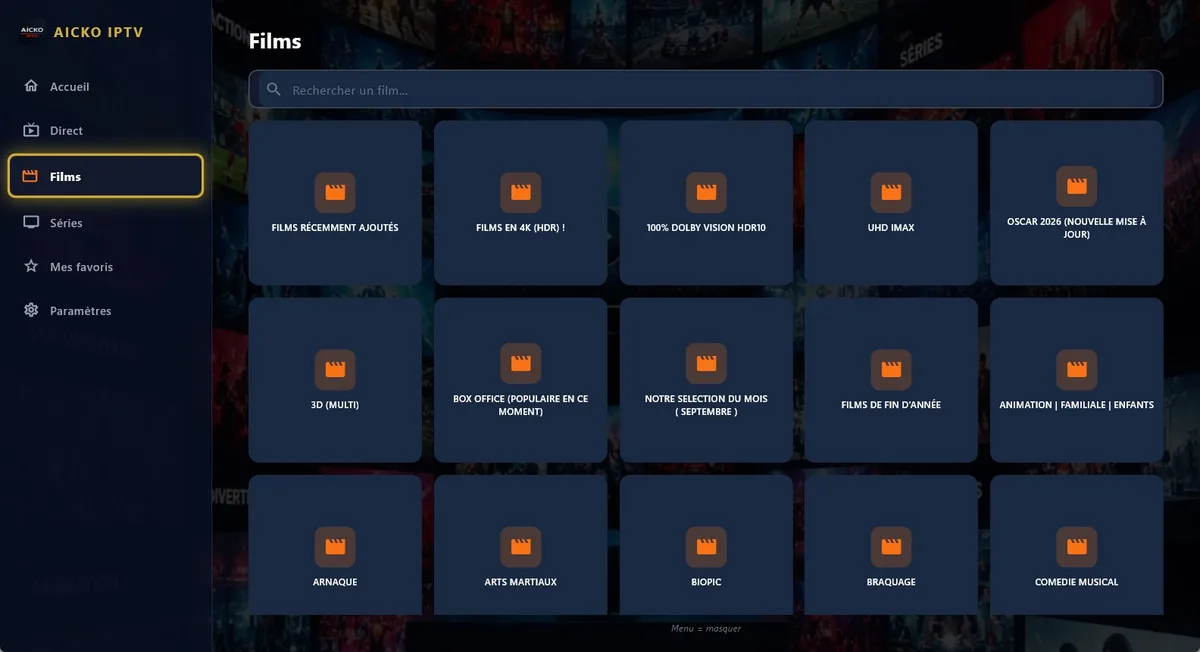
- films and series sorted by category, with resume of playback;
- radio and audio streams, including MP3 and online radio;
- favourites and progress synchronised between devices through an account;
- categories you can hide, and a search in each section;
- six interface languages: French, English, Arabic with right-to-left display, German, Spanish and Italian.
Getting started with your list
- Install AICKO IPTV from the Microsoft Store.
- Choose English or French in the interface language.
- Enter the address of your M3U list or your Xtream codes.
- Open the live section and pick a French-language channel from your list.
- Add your preferred channels to the favourites.
Using it to improve your French listening
Listening gets easier with regular short sessions. Watch ten minutes of news, then read the matching words in our B1 resources or test yourself with the B2 tests.
The programme guide helps you plan: choose a daily bulletin or a weather report, which use clear speech and repeat common words. Students of the AP French course can use them as short listening models.
Tips for a daily listening routine with an IPTV player for Windows
Pick two fixed times a week, for example Tuesday and Saturday, and watch the same type of programme each time. Familiar formats such as news and weather reuse the same words, so you notice progress quickly.
Hide the categories you never use, so the home screen only shows what helps your French. With the search tool you can find a programme by title in a few seconds. The player is built for people who already own a list, and it hosts nothing. If your list contains French channels, you can also use the replay section to listen again to a bulletin that you missed, which is helpful when a sentence went by too fast.
Compatibility and installation
AICKO IPTV works on Windows 10 and 11, through the Microsoft Store. The program is free. It plays lists from your own provider and does not host or sell any content. It is built on the libmpv playback engine, known for reading a large variety of formats.
The same player also exists on Android phones and tablets, Android TV, Fire TV and Samsung televisions.
Frequently asked questions
What is AICKO IPTV for Windows?
AICKO IPTV is a free media player for Windows that reads M3U lists and Xtream codes that you provide. It plays live TV, films, series and radio and supplies no content of its own.
Does AICKO IPTV include channels?
No. The program is only a player, like other media players. The channels you can watch depend on the list obtained from your own provider.
Is the interface available in English?
Yes. The interface comes in six languages: French, English, Arabic with right-to-left display, German, Spanish and Italian. You can change it in the settings.
Can I sync favourites between devices?
Yes. With an account, your favourites and viewing progress are synchronised between your devices, so you can continue a film on another screen.
