


AICKO IRIS is a free image viewer for Windows 10 and 11. It opens the usual picture formats and also HEIC, AVIF, TIFF, JXR and RAW files, without any extension from Microsoft.
If you photograph the board in a French class, or receive scans and pictures from a tutor, this viewer opens them on any PC. The interface is available in French and English.

Get AICKO IRIS

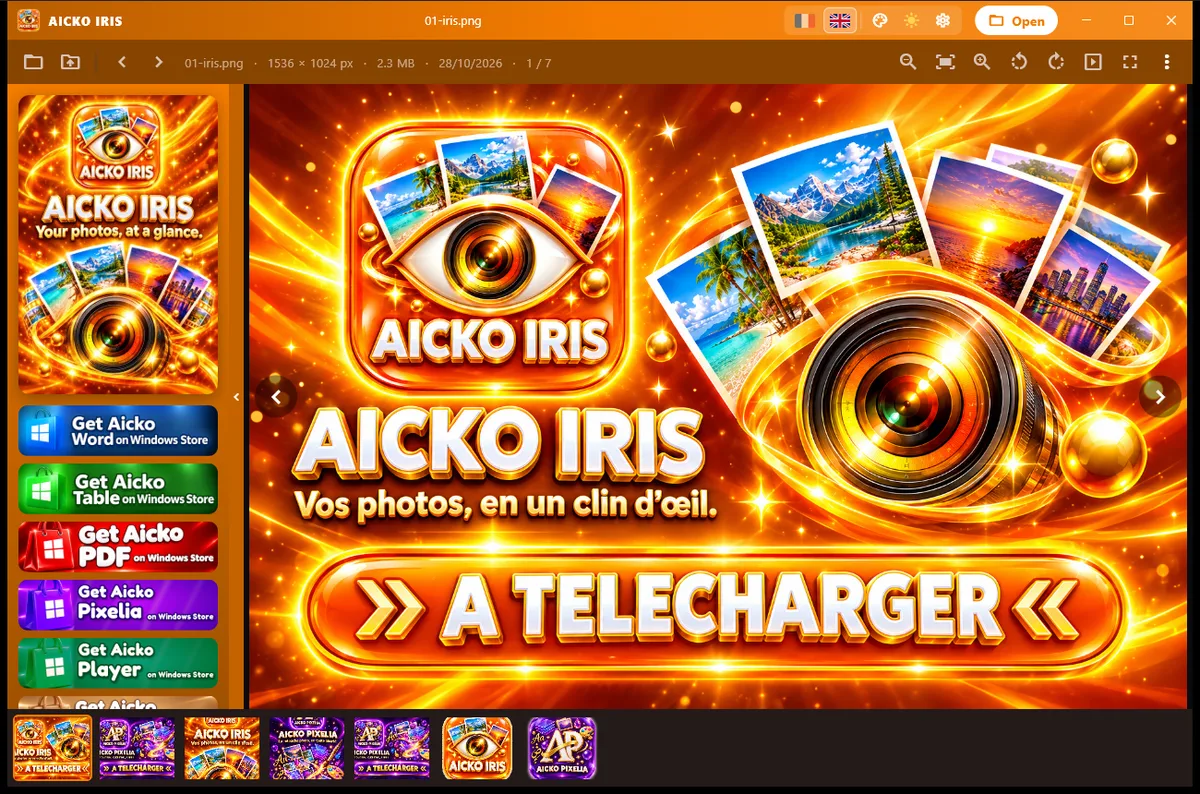

At a glance
- Platform: Windows 10 and 11
- Source: Microsoft Store
- Price: free
- Formats: common images, HEIC, AVIF, TIFF, JXR, RAW
- Interface: French and English
- Account required: no
A typical day with your pictures
After a class you transfer thirty photos from your phone: the whiteboard, a page of a textbook, a list of verbs. Some of them are HEIC files, and Windows alone cannot show them. You open the folder with AICKO IRIS and flip through the pictures one by one.
A tutor then sends you a scanned worksheet in TIFF. The same viewer opens it, so you can read the corrections without converting anything.
What this image viewer opens
The viewer is made to read what other programs refuse to open:
- common image formats on every Windows PC;
- HEIC and AVIF files, read with a decoder included in the program;
- TIFF, JXR and RAW files, read through the decoders of Windows;
- a light interface with settings similar to AICKO PIXELIA;
- interface in French or English;
- a choice of colours for the window.
Getting started in four steps
- Install AICKO IRIS from the Microsoft Store.
- Open a picture, or a folder of pictures.
- Move from one image to the next.
- Open the same picture in AICKO PIXELIA if you want to crop it or add text.
- Change the language or colour in the settings if you wish.
Why it helps a French learner
Photos of notes are only useful if you read them again. After each class, open the day’s pictures and copy three new words into your vocabulary list from our A1 course or A2 lessons.
If you study for the AP French exam, keep the pictures of corrected writing in one folder and look at the mistakes that come back. A viewer that opens everything makes that review faster.
Tips for organising pictures in an image viewer for Windows
Create one folder per month and name each picture by topic, for instance verbs, accents or numbers. Viewing a folder of clearly named pictures is faster than scrolling through a camera roll.
When a picture is blurred, take it again rather than trying to rescue it. A clean photo of the board is far easier to study later. If you need to crop or label a picture, open it in a photo editor. A viewer is the simplest tool in the chain: you open, you look, you move on. That is why it suits a daily habit, such as checking the last three photos of your notes before you start a new worksheet, or comparing two scans of the same page. The program does not ask you to import your pictures into a library, so your folders stay as you arranged them.
Compatibility and installation
AICKO IRIS works on Windows 10 and 11, through the Microsoft Store. The program is free and requires no account and no additional extension to read HEIC or AVIF files.
Your pictures stay on your computer.
Frequently asked questions
Is AICKO IRIS free?
Yes. AICKO IRIS is a free image viewer for Windows 10 and 11. It requires no account and does not need an extension from the Microsoft Store to read HEIC or AVIF.
Can AICKO IRIS open HEIC photos from an iPhone?
Yes. It opens HEIC and AVIF files using a decoder built into the program, so the photos open without a codec pack or a paid extension.
Which other formats does it read?
It reads common image formats, and also TIFF, JXR and RAW files through the decoders of Windows. The goal is to open any picture on any PC.
Can I edit pictures with AICKO IRIS?
AICKO IRIS is a viewer. For editing, with layers, filters, cropping and text, use AICKO PIXELIA, which is a separate program with the same look.
