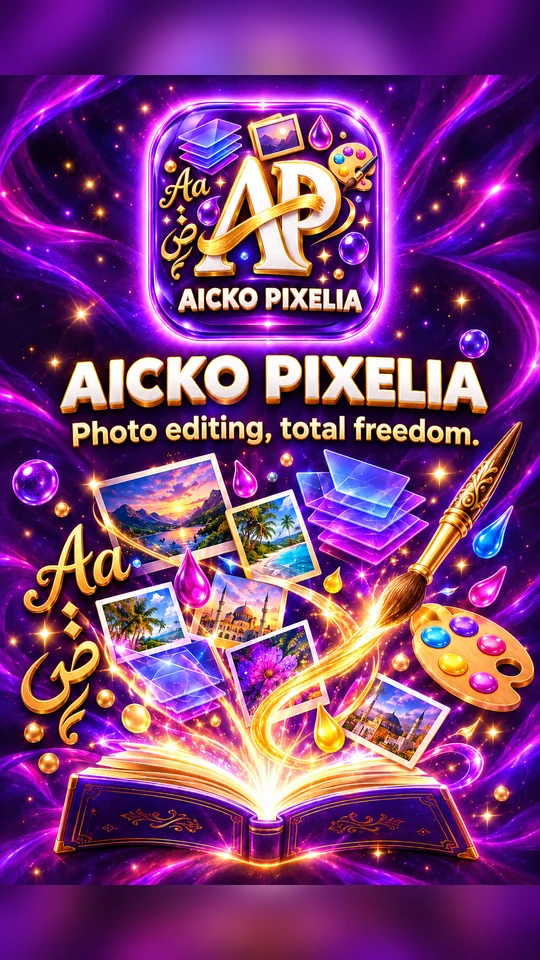
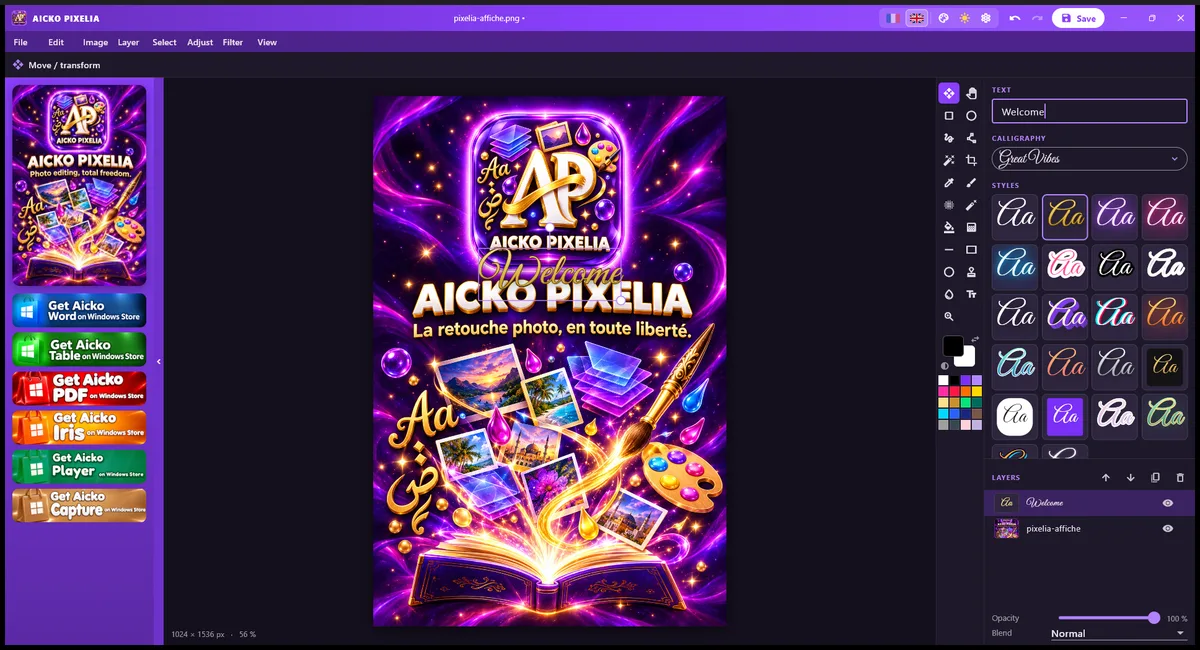
AICKO PIXELIA is a free photo editor for Windows 10 and 11. It offers layers, filters, adjustments, cropping, text and a collection of calligraphies, and it exports to PNG or JPG.
For a French learner, it turns vocabulary into images: flashcards, captioned photos and small posters you can hang above your desk. The tool is simple, and its interface comes in French or English.
Get AICKO PIXELIA
At a glance
- Platform: Windows 10 and 11
- Source: Microsoft Store
- Price: free
- Main tools: layers, filters, crop, text
- Export: PNG and JPG
- Interface: French and English
A typical creative day
You want to memorise the words for the kitchen. You take a photo of your own kitchen, open it in AICKO PIXELIA and add a text layer on each object: la casserole, le four, le frigo. Then you choose a calligraphy font and a bright style for the labels.
Finally, you export the picture as a JPG, set it as your desktop background and see the words every time you start your computer.
What this free photo editor includes
The software keeps the useful tools:
- layers with opacity, blend modes and order;
- filters and image adjustments;
- cropping and a change of document size;
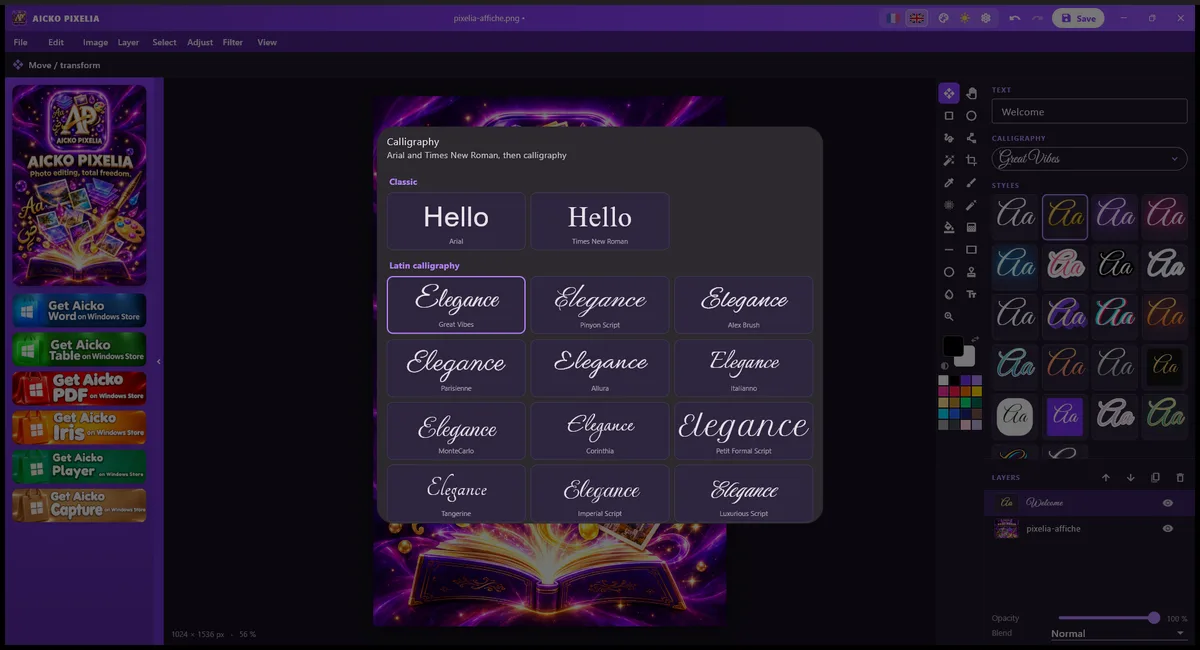
- text with Arial, Times New Roman, 18 Latin calligraphies and 12 Arabic calligraphies;
- 22 text styles, such as neon, gold, sticker, 3D and glitch;
- export to PNG or JPG;
- interface in French or English, with a choice of colours.
Getting started with a first poster
- Install AICKO PIXELIA from the Microsoft Store.
- Then open a photo or create a new document.
- Add a text layer and type the French word.
- Pick a font and a text style, and after that place the label.
- Export the result as PNG or JPG.
Using it to learn French
Pictures help memory, and your own pictures help the most. Take the word lists from our A1 lessons, make one card per topic, and print them or keep them on your phone.
When you prepare for the AP French exam, a poster with connectors and key verbs can sit next to your study area. Update it as you progress to B1.
Tips for visual learning with a free photo editor
Limit each card to one word and one picture. Put the article in front of the noun, such as le or la, and use two colours: one for masculine and one for feminine. The colour code helps you remember the gender.
Save your cards in a folder named by topic. You can also place several words on a single poster by using separate layers, which lets you move or change each label without redoing the picture. A flashcard does not need a complex tool. One picture, one label and a clear colour are enough, and AICKO PIXELIA makes each step quick. In addition, the layers let you correct a label without redrawing the whole picture. Likewise, the calligraphies let you vary the look, so your cards do not all appear the same. Variety helps memory, because each card looks like a small event.
Compatibility and installation
AICKO PIXELIA works on Windows 10 and 11, through the Microsoft Store. The program is free, with no subscription and no account. Your images stay on your computer.
It was designed to stay simple: a few good tools rather than a crowded screen.
Frequently asked questions
Is AICKO PIXELIA free?
Yes. AICKO PIXELIA is a free photo editor for Windows. It has no subscription and no account, and your pictures stay on your computer.
Can I add text in different styles?
Yes. You can add text with Arial or Times New Roman, choose among 18 Latin and 12 Arabic calligraphies, and apply one of 22 text styles such as neon or gold.
Which formats can I export?
You can export your work as PNG or JPG. Layers, filters, cropping and a change of document size are available before you export.
Can I use it to make French vocabulary cards?
Yes. You can place text on a photo, pick a font and a style, and export the card as an image to print or keep on your phone. It is an easy way to learn labelled words.
