


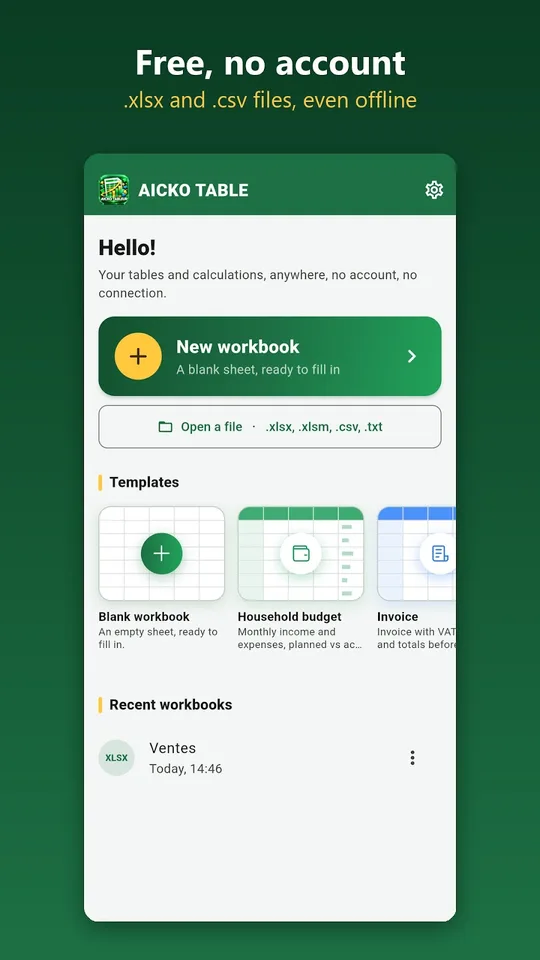
AICKO TABLEUR is a spreadsheet app for Android phones and tablets. It handles tables, calculations and charts, and opens and saves .xlsx and .csv files. It works offline, without an account and without advertising.
Its more than 140 functions have French names, such as somme or moyenne, which makes it a practical way to learn French vocabulary through numbers. It also suits a word list, a score tracker or a small family budget.

Get AICKO TABLEUR

At a glance
- Platform: Android
- Functions: over 140, named in French
- File formats: .xlsx and .csv, PDF export
- Works offline: yes
- Account required: no
- Advertising: none
A typical day with the app
You keep a list of French words you learn each week. In AICKO TABLEUR you create three columns: the French word, its English meaning and a sentence. You sort the list, filter the words you still miss and remove duplicates in a few taps.
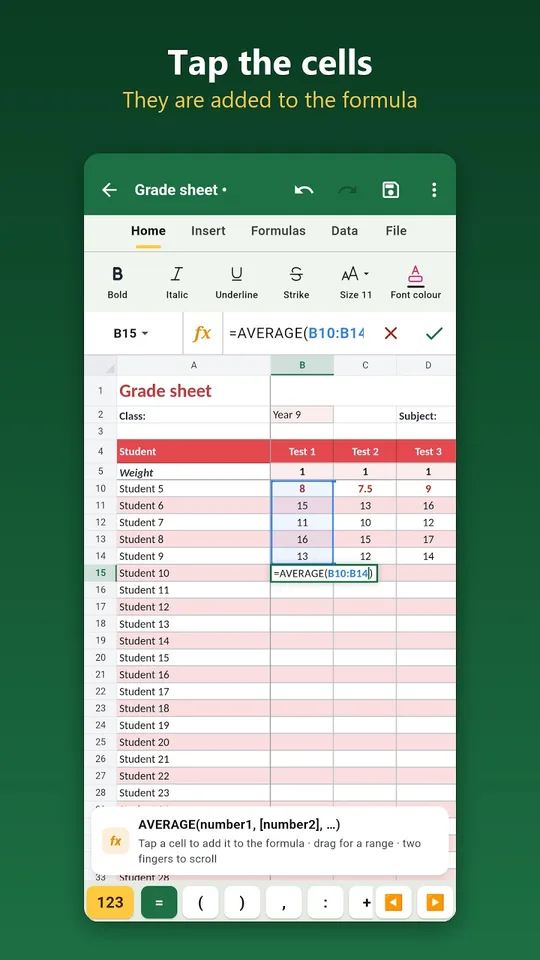
Later you add a small score table and use the function moyenne to see your average. You also learn that si means IF and somme means SUM.
What the spreadsheet app can do
The app includes these tools:
- more than 140 functions in French: somme, moyenne, SI, recherchev, NB.SI, arrondi, VPM and more;
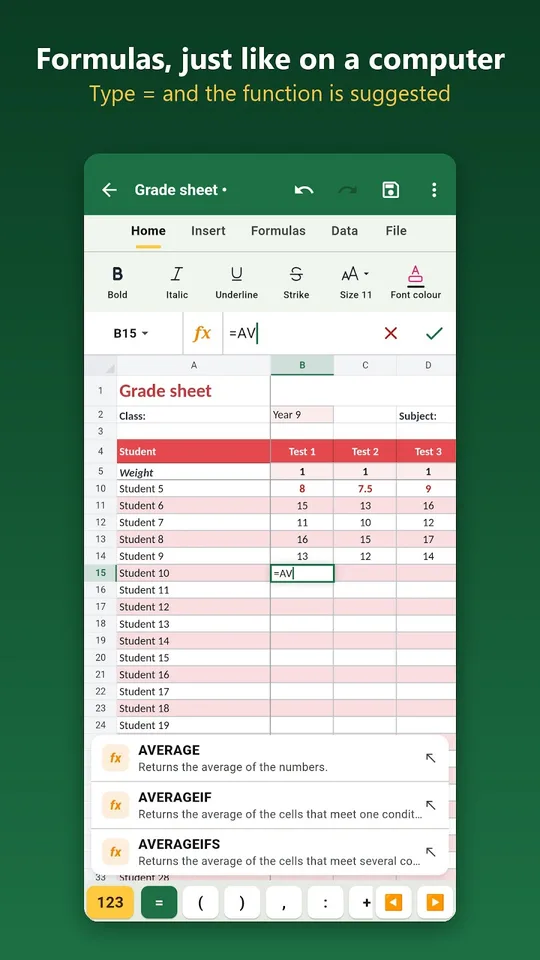
- help while typing: enter = and the first letters, and the function is suggested;
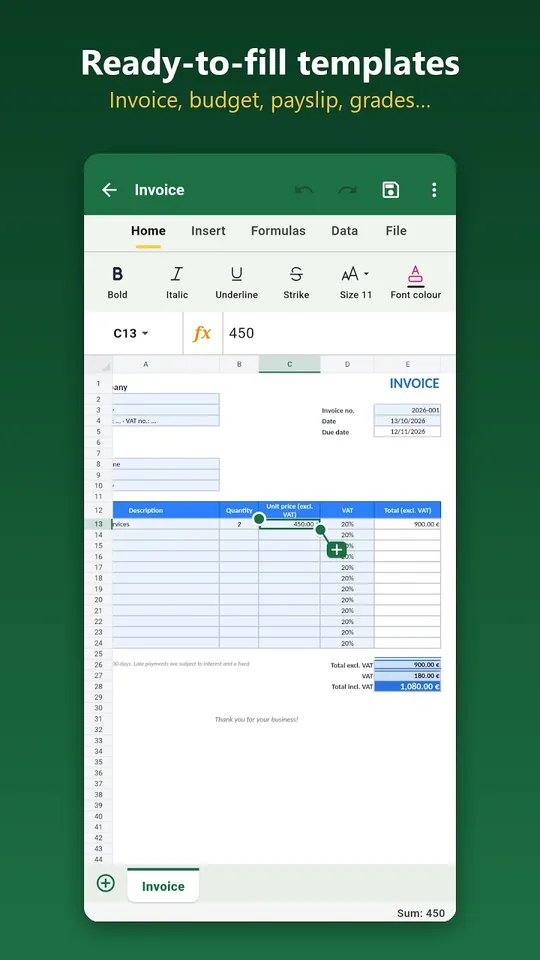
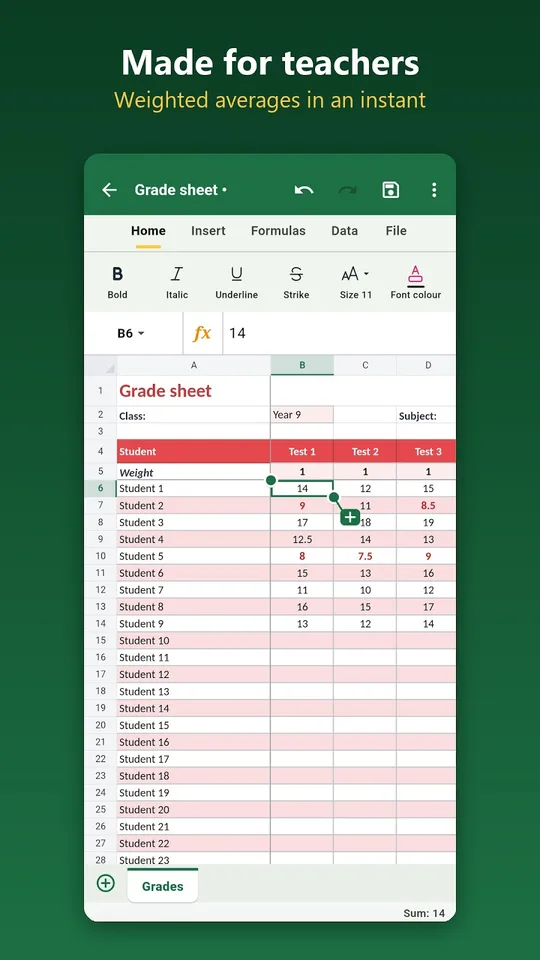
- ready-to-fill templates: invoice, family budget, payslip, grade report, income and expense book, timesheet, loan table, attendance list;
- formatting, merged cells, number, currency, percentage, date and time formats, and conditional formatting;
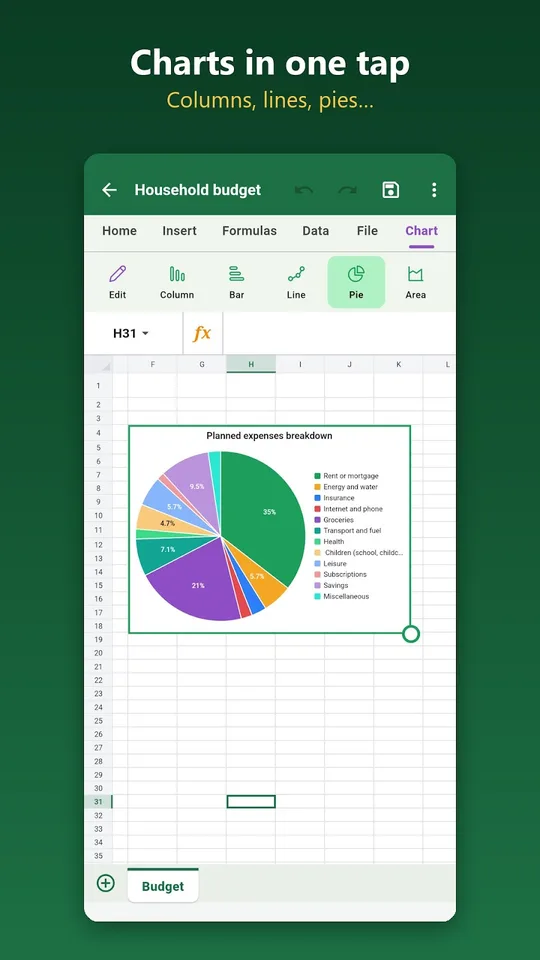
- charts: columns, bars, lines, pies, areas and scatter plots;
- sorting, filters, removal of duplicates, frozen panes and several sheets.
Getting started with a first table
- Install AICKO TABLEUR on your Android phone or tablet.
- Create a new workbook or start from a template.
- Type your French words in the first column.
- Type = and the first letters of a function to see the French name.
- Save as .xlsx, or export to PDF to print.
Using it to practise French
Learning French vocabulary works best when you repeat it often. A table with filters lets you hide the words you know and practise the others. Our A1 quizzes and A2 lessons are good sources for the lists you build.
Keep a second sheet for verb forms and a third for your quiz scores. After a month, a chart of your results shows whether the B1 level is within reach.
Tips for building a vocabulary workbook in a spreadsheet app
Keep the columns simple: word, meaning, example, score. A conditional format that colours low scores in red shows at a glance what to review. It is the same idea that the app proposes for marks under ten in a grade report.
Use one sheet per theme, such as food, travel, school and work. After a few weeks, a chart of the words learned per week gives you a clear picture of your pace.
Compatibility and files
AICKO TABLEUR runs on Android phones and tablets and works entirely offline. Your workbooks stay on your device, and there is no account. The interface exists in French and in English, with a dark mode and seven colours.
A version for iPhone is in preparation. The same program is also available for Windows.
Frequently asked questions
Are the spreadsheet functions in French?
Yes. The app offers more than 140 functions with French names, such as somme, moyenne and SI. This helps you learn French terms while you calculate.
Can AICKO TABLEUR open Excel files?
Yes. It opens and saves .xlsx workbooks and .csv files, and you can export a sheet to a PDF ready to print or send.
Does AICKO TABLEUR need an internet connection?
No. It works fully offline, with no account and no advertising. Your workbooks remain on your device unless you share them.
Can I keep a French vocabulary list in it?
Yes. You can sort, filter and remove duplicates in a list, use several sheets, and colour the rows you still need to review with conditional formatting.
