


AICKO TABLEUR is free spreadsheet software for Windows 10 and 11. It offers formulas, formatting, charts and ready-made templates, and it opens and saves .xlsx, .xls, .ods and .csv files.
A spreadsheet is a good friend of a language learner: vocabulary lists, verb tables and score trackers all fit in it. The program works offline, with no account and no advertising.

At a glance
- Platform: Windows 10 and 11
- Source: Microsoft Store
- Price: free
- File formats: .xlsx, .xls, .ods, .csv
- Works offline: yes
- Account required: no
A typical study day
After class you open AICKO TABLEUR and update your vocabulary workbook. One sheet holds the nouns, another the verbs, and a third your quiz results. A filter shows only the words marked as difficult, and you read them aloud.
At the end of the week you select your scores and insert a chart. A curve that goes up is a good motivation, and a flat one tells you what to revise.
What this free spreadsheet software offers
The software keeps to the essentials:
- formulas and functions such as sum, average, if and lookup;
- cell formatting with borders, colours, number, currency and date formats;
- merged cells, sorting, filters and several sheets per workbook;
- charts: histograms, curves and pie charts;
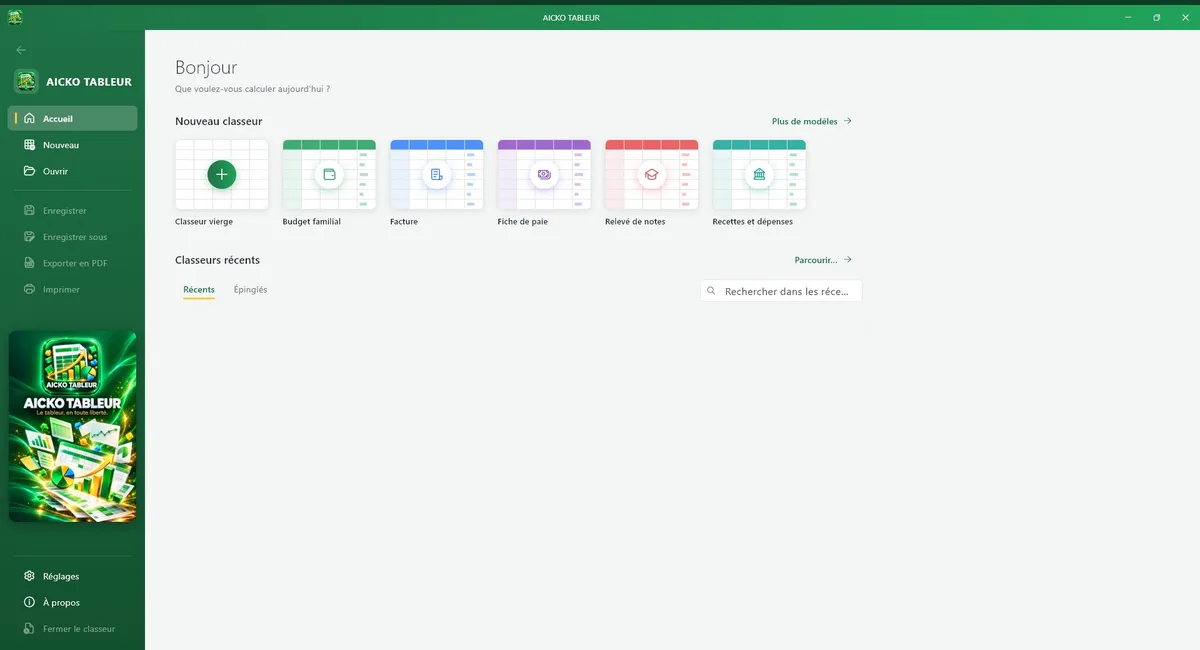
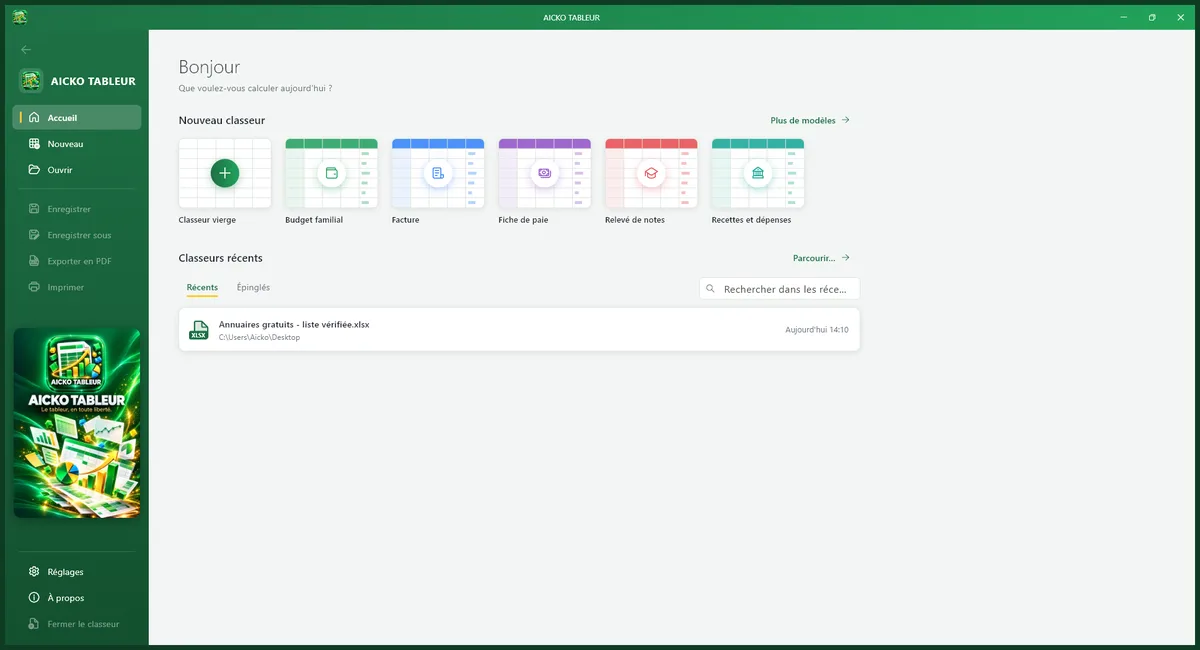
- templates for a family budget, an invoice, a payslip, a grade report and an income and expense book;
- a ribbon similar to what you know on a computer, a dark mode and a choice of French or English;
- export to PDF for printing.
Getting started with your first table
- Install AICKO TABLEUR from the Microsoft Store.
- Create a workbook and name the first sheet Vocabulary.
- Write the French word in column A and its meaning in column B.
- Add a column with your self-score, from 1 to 5.
- Filter the lowest scores and review them each day.
Making it useful for French learners
Spaced review works when you know what to repeat. Take new words from our A1 course or from the A2 lessons, enter them in the workbook and tag the ones that still cause trouble.
For the B2 tests, record your marks per section. Over several weeks the chart shows whether listening, reading or grammar needs more time.
Tips for tracking progress with free spreadsheet software
A spreadsheet is more motivating when it shows results. Create a sheet called Scores with one line per week and use the average function to calculate your mean mark. A histogram makes the evolution easy to see.
You can also build a small timetable of review sessions, with a column for the date, the topic and the time spent. The templates included in the program give you a starting point for any table of this kind. The program keeps its menus plain on purpose. There is no account to create and nothing to configure before your first table, so you can spend your time on the words rather than on the software.
Compatibility and installation
AICKO TABLEUR works on Windows 10 and 11, through the Microsoft Store. It needs no Internet connection and keeps your workbooks on your own computer. There is no subscription, no account and no advertising.
The program is free. An Android version for phones and tablets also exists.
Frequently asked questions
Is AICKO TABLEUR free?
Yes. AICKO TABLEUR is free software for Windows with no subscription, no account and no advertising. It works offline, so your workbooks stay on your computer.
Can AICKO TABLEUR open Excel files?
Yes. It opens and saves .xlsx and .xls files, and also reads .ods and .csv files. You can export a workbook to PDF to print or send.
Can I use it for a French vocabulary list?
Yes. You can sort and filter a list, keep several sheets in one workbook and add colours and charts to follow your progress from week to week.
What do I need to install AICKO TABLEUR?
You need a computer with Windows 10 or Windows 11. You install the program from the Microsoft Store, and the interface can be set to French or English.
