AICKO WORD is a word processor for Android phones and tablets. It opens and saves .docx files, exports to PDF and offers a ribbon with the Home, Insert, Page layout and File tabs, like a desktop program.
For French learners, it is the place to draft emails, essays and letters wherever you are. It works offline, with no account and no advertising.
Get AICKO WORD
At a glance
- Platform: Android
- File format: .docx, with PDF export
- Works offline: yes
- Account required: no
- Advertising: none
- Interface: French and English
A typical day with the app
During a lunch break you open AICKO WORD and start from the letter template to write to a host family in France. You choose a font, set the size, add a closing line and read the draft out loud.
In the evening you open the same file on your tablet, correct two sentences and export it to PDF. The file stays on your device, and you can send it by email or message.
What this word processor for Android offers
Here is what you can do:
- format text: bold, italic, underline, colours, highlight, headings, lists, alignment and line spacing;
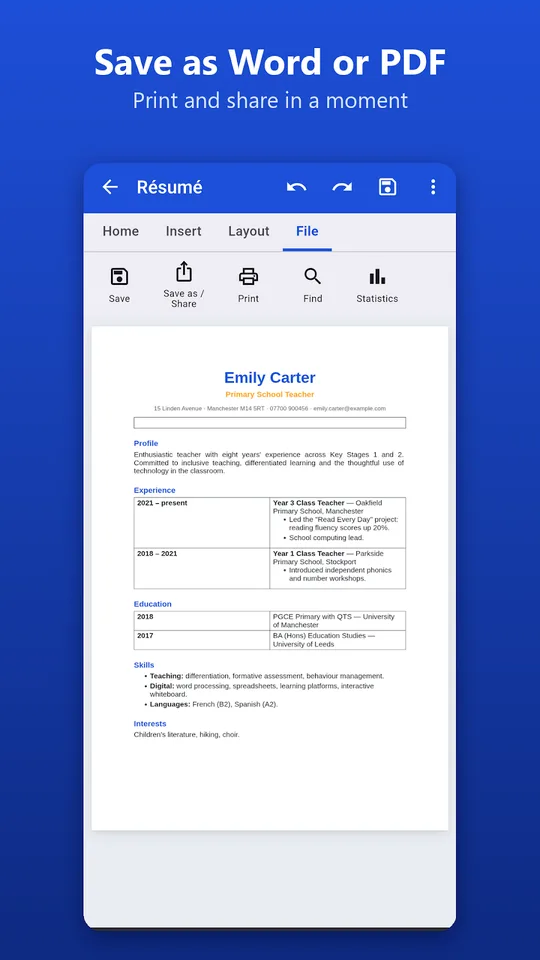
- open and save .docx files, export to PDF, plain text or a web page;
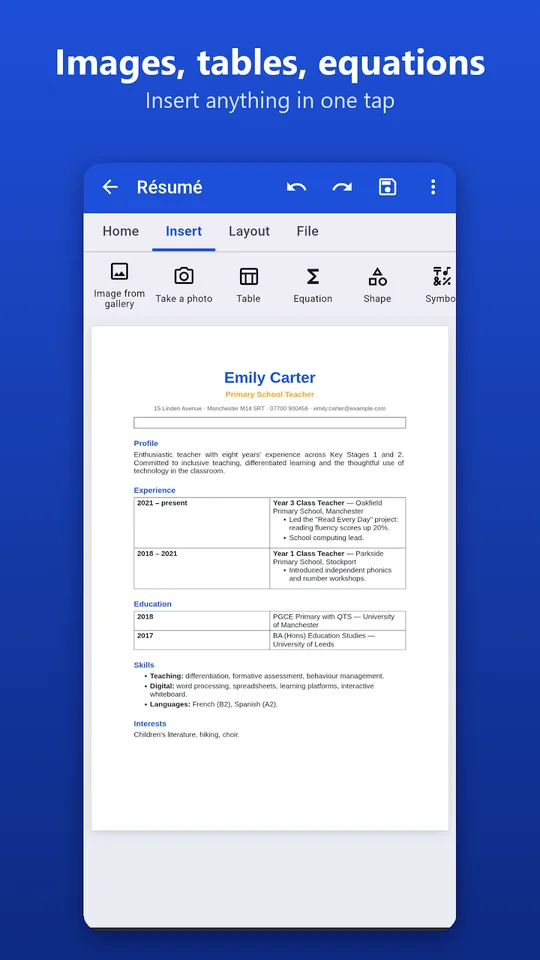
- insert equations, photos from the gallery or camera, tables, shapes, symbols, links and page breaks;
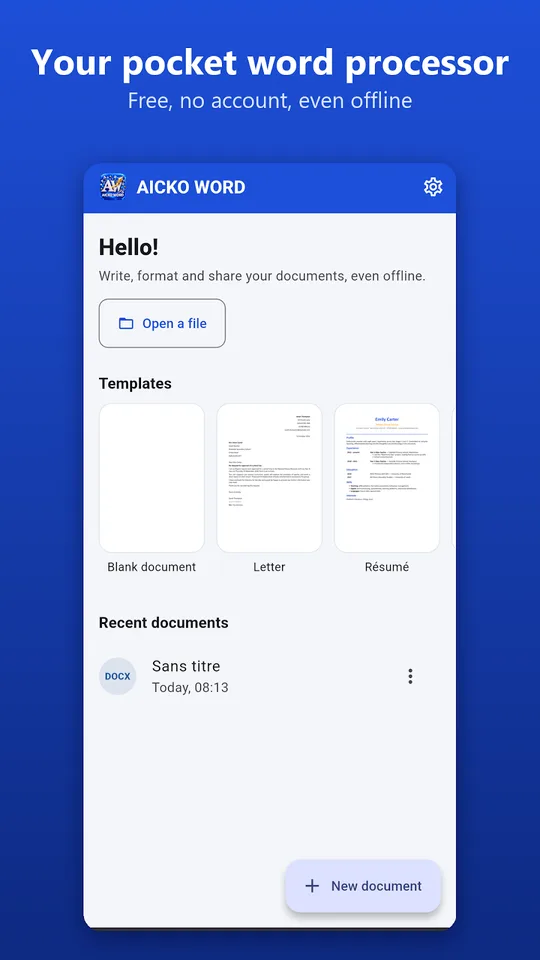
- start from ready-to-fill templates: CV, letter, lesson, worksheet, test, invoice and report;
- set paper sizes from A5 to Letter, margins and page numbers, then print;
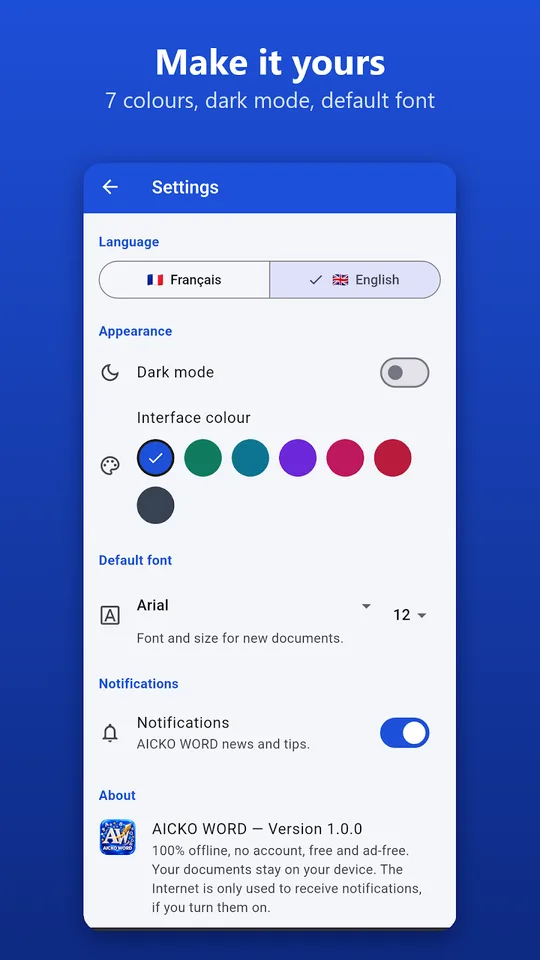
- search and replace, document statistics, seven interface colours and a dark mode.
Getting started in a few taps
- Install AICKO WORD on your Android phone or tablet.
- Open a template or a blank document.
- Write your text in French, then format the headings.
- Save it in .docx so you can continue on a computer.
- Export to PDF if you want to send a final version.
Why it suits French learners
Writing is the skill that improves fastest when you do a little every day. Use the A2 lessons for a model, then write your own paragraph in AICKO WORD and compare it with the example.
If you prepare an essay for the AP French course, keep each draft as a separate .docx file. You will see your progress when you compare the first draft with the last.
Tips for using a word processor for French on a tablet
Keep your phone for first drafts and your computer for final versions. Because both programs save the .docx format, a text started on the bus can be finished at home without any conversion.
Use the heading styles even in a short text: they help you see the structure of a French paragraph, with an introduction, a development and a conclusion. The search function is also useful to find an expression you want to reuse.
Compatibility and files
AICKO WORD runs on Android phones and tablets and works entirely offline. No account is needed and your documents stay on your device. The interface can be switched between French and English.
The app has no advertising. A version for iPhone is in preparation, and the same program also exists for Windows.
Frequently asked questions
Can AICKO WORD open Word documents?
Yes. It opens documents received by email, lets you edit them and saves them in .docx format, which can be read on most computers and phones.
Does AICKO WORD work offline?
Yes. The app works entirely without a connection and requires no account. Your files stay on your device unless you decide to share them.
Is AICKO WORD available in English?
Yes. You can set the interface to French or English, with seven colour themes and a dark mode, so you can write your French texts in an English menu.
Can I write equations in AICKO WORD?
Yes. A built-in equation editor handles fractions, roots, powers, subscripts, integrals and matrices, which is useful if you write about maths or science in French.
