
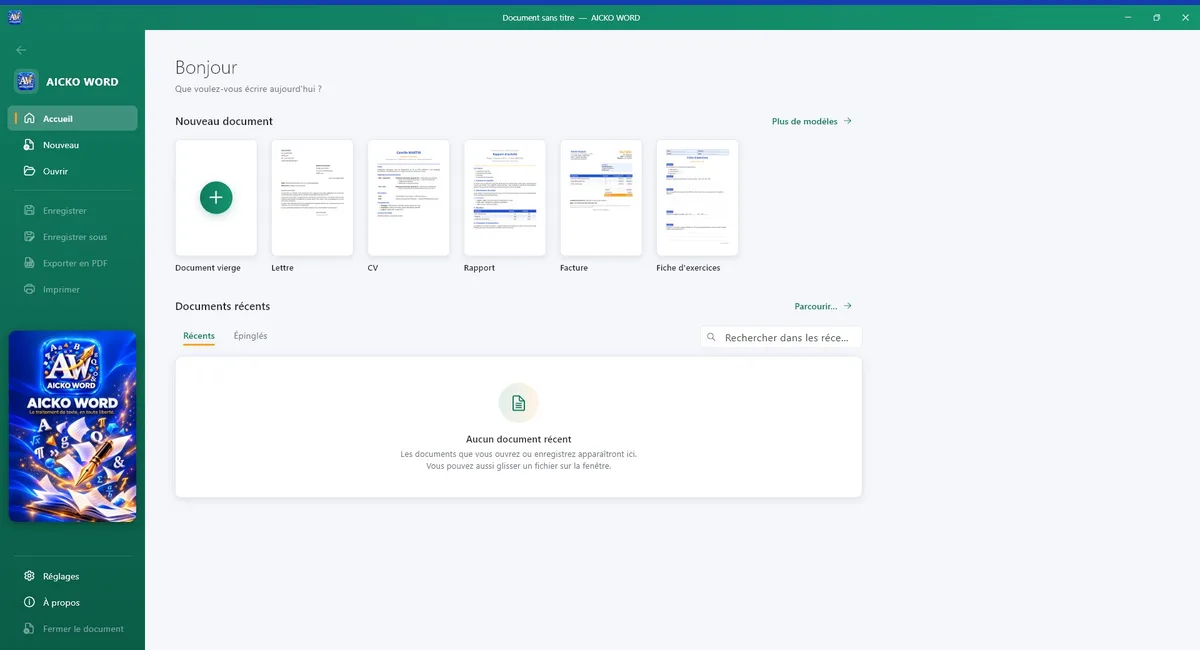
AICKO WORD is a free word processor for Windows 10 and 11. It opens and saves Word documents (.docx and .doc), OpenDocument, RTF and text files, opens PDF files for editing and exports to PDF.
Learners of French need a place to write essays, letters and summaries every week. AICKO WORD works offline, asks for no account and shows no advertising.
At a glance
- Platform: Windows 10 and 11
- Source: Microsoft Store
- Price: free
- File formats: .docx, .doc, ODT, RTF, PDF
- Works offline: yes
- Account required: no
A typical writing day
On Monday your teacher asks for a 200-word letter in French. You open AICKO WORD, start from the letter template and write your draft. The spell checker underlines doubtful words, and you use search and replace to fix a verb you misspelled three times.
On Thursday you reopen the same file, add a second paragraph and print the pages. Because the format is .docx, your teacher can open the document on any computer.
What this free word processor includes
The software brings together the tools you use most:
- a ribbon with Home, Insert, Page layout, Review and View tabs;
- fonts, sizes, colours, highlight, heading styles, lists, alignment, indents and line spacing;
- an equation editor for fractions, roots, powers, integrals and matrices;
- images, tables with merged cells, shapes, symbols, links, headers, footers and page numbers;
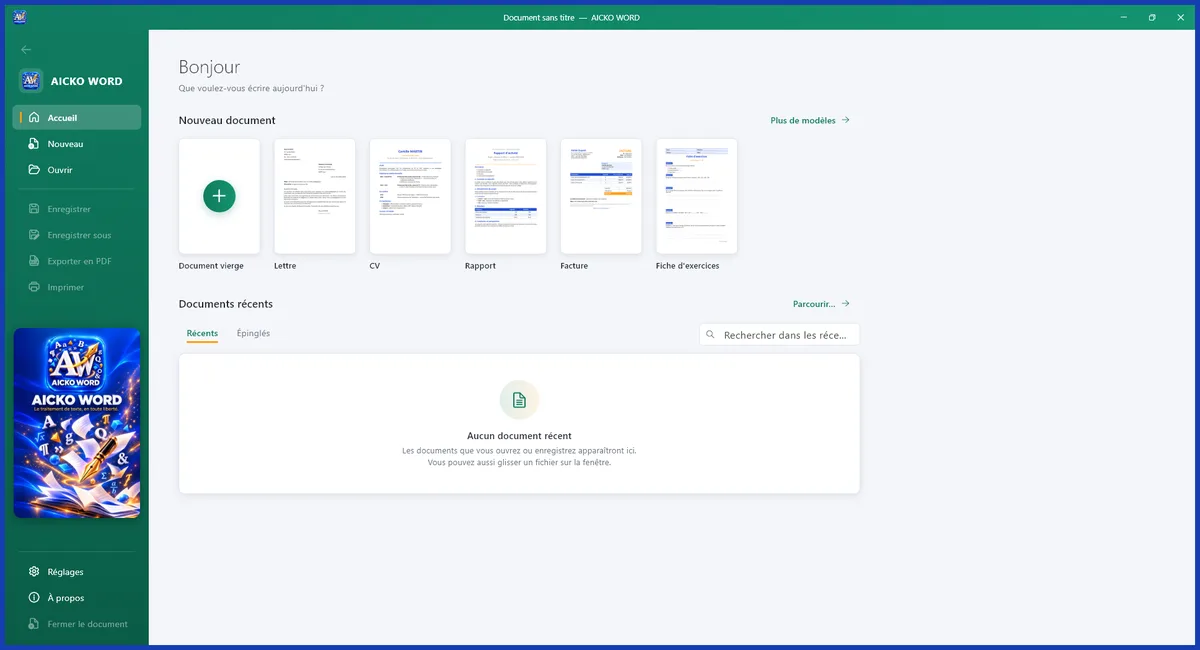
- templates for a letter, CV, report, invoice, worksheet, lesson and test;
- spell checker, search and replace, statistics, zoom, ruler and reading mode;
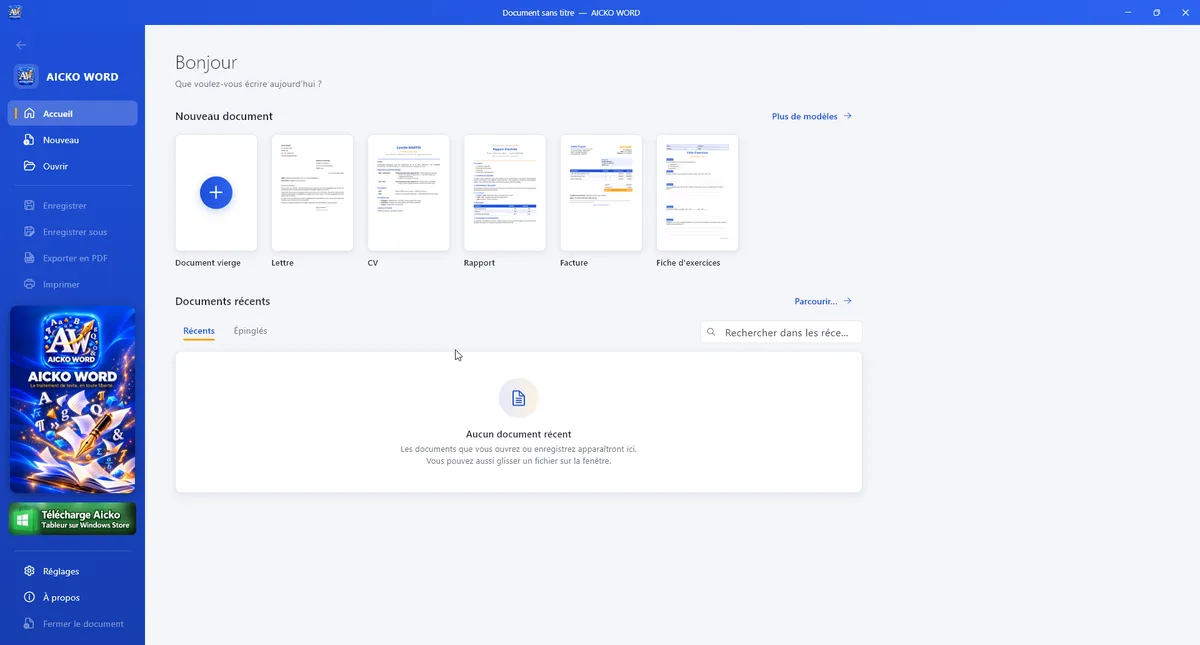
- dark mode, seven interface colours and a choice of French or English.
Getting started in five steps
- Install AICKO WORD from the Microsoft Store.
- Open a template or a blank page.
- Write your text, then give your headings a style.
- Run the spell checker and read the result aloud once.
- Save as .docx, or export to PDF to hand in.
Why French learners choose it
Short, regular writing beats one long essay per month. Take the model texts in our A1 lessons or B1 resources, write your own version and save each draft under a dated name.
Students preparing the AP French exam can keep a folder of timed writings and compare the first and last drafts. The ability to open and edit a PDF also helps when a teacher sends a worksheet in that format.
Tips for better writing with a free word processor
Write short sentences first. A text with clear subjects and verbs is easier to correct than a long one full of subordinate clauses. Add connectors such as mais, donc and pourtant only when you are sure of them.
Use the review tab to check your text, then read it aloud once before you submit it. If your teacher gives feedback, paste the corrections at the end of the file so that you can find them again before the next assignment.
Compatibility and installation
AICKO WORD works on Windows 10 and 11, through the Microsoft Store. It needs no Internet connection once installed. Your documents stay on your computer, and there is no subscription and no account.
The program is free, available in French and English, and a version for phones also exists on Android.
Frequently asked questions
Is AICKO WORD really free?
Yes. AICKO WORD is a free word processor for Windows. It has no subscription, no account and no advertising, and it works without an Internet connection once installed.
Can AICKO WORD open .docx files?
Yes. It opens and saves .docx and .doc files, as well as OpenDocument, RTF and text files. It can also open PDF files for editing and export your work to PDF.
Is there a spell checker for French?
AICKO WORD includes a spell checker and a search and replace tool. Check in the settings which language you want to use for your documents before you write.
Which Windows versions does AICKO WORD support?
It runs on Windows 10 and Windows 11, and you install it from the Microsoft Store. The interface can be switched between French and English.
