


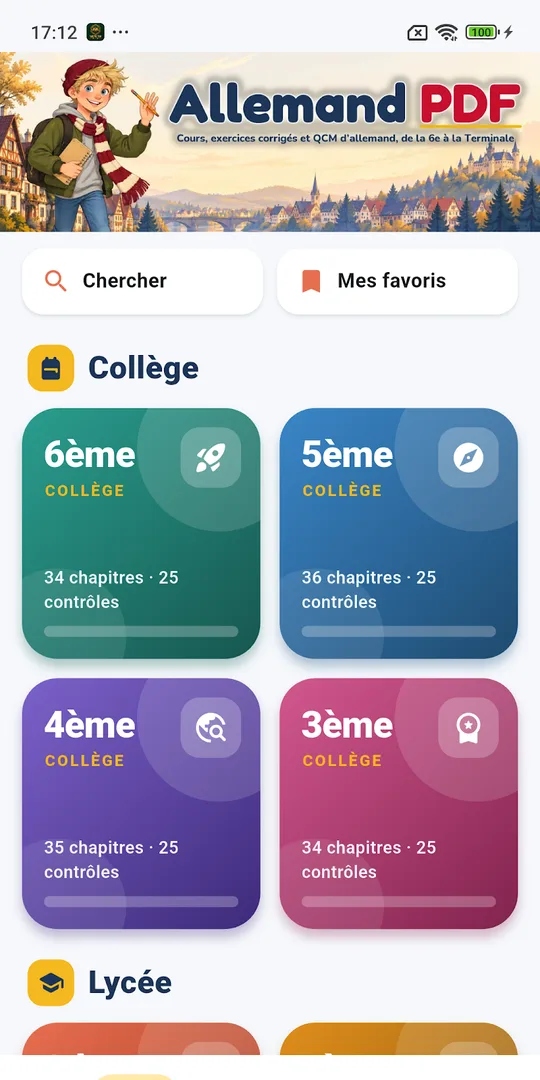
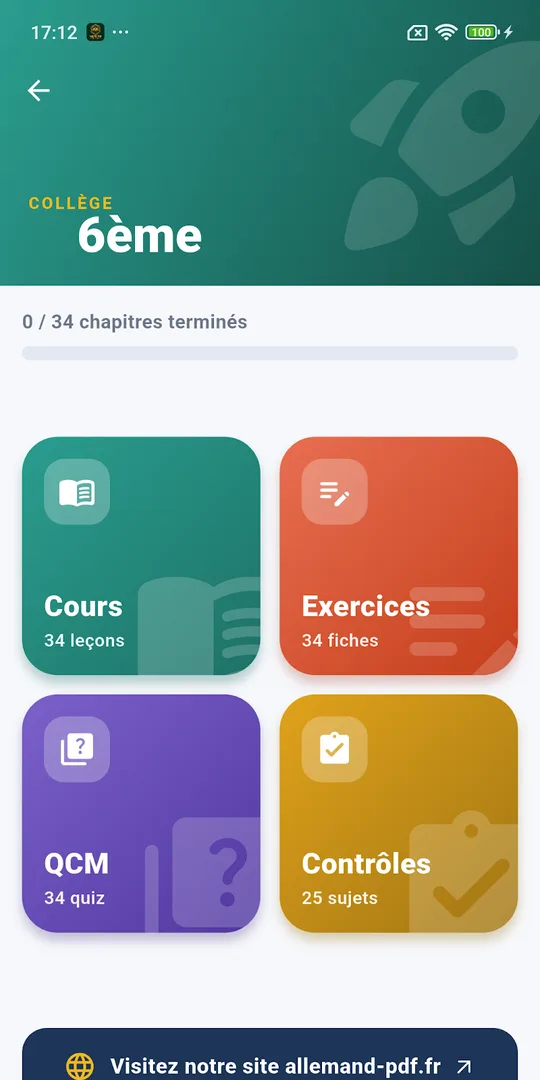
The Apprendre l’allemand app is an Android app for French secondary pupils who study German as a first or second foreign language. It offers lessons, worksheets, quizzes, graded tests and spoken German words.
An English speaker learning French will notice that everything is explained in French. If German is your third language, the app lets you practise two languages at once, as long as your French reading is solid.
Get Apprendre l'allemand

At a glance
- Platform: Android
- Taught language: German
- Explained in: French
- Levels: 6ème to Terminale
- Quizzes: 15 questions each
- Account needed: no
A day with the Apprendre l’allemand app
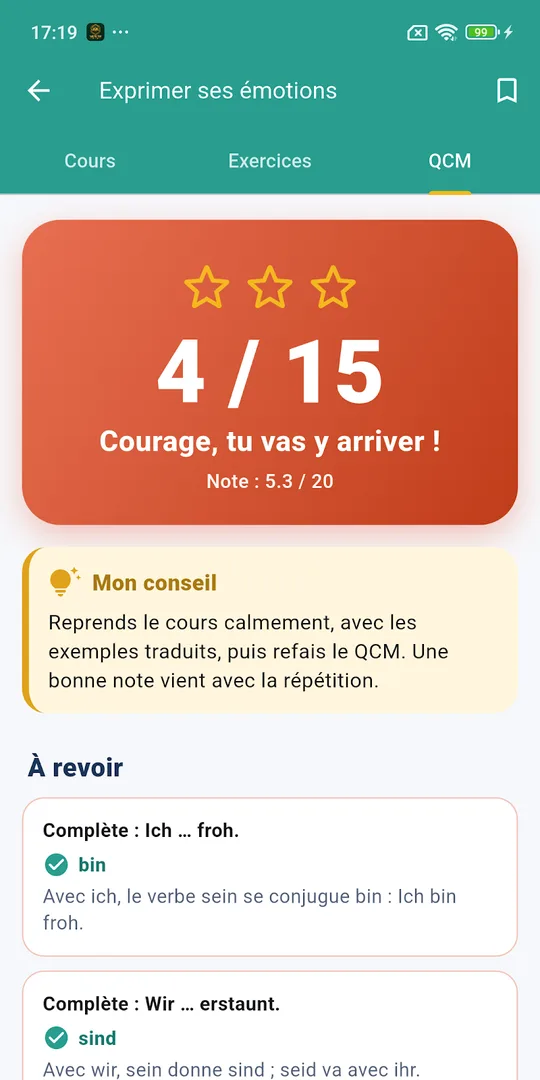
Take a learner who studies French and German together. In the morning she opens the pronunciation chapter and taps a German word to hear it read aloud by the phone voice. At lunch she reads a short lesson on the cases, written in French with translated examples and tables. In the evening she plays a 15-question quiz, then opens the section called à revoir to repeat the questions she missed. One app, two languages, twenty minutes. The French definitions of German grammar terms also build her French metalanguage.
Features of the Apprendre l’allemand app
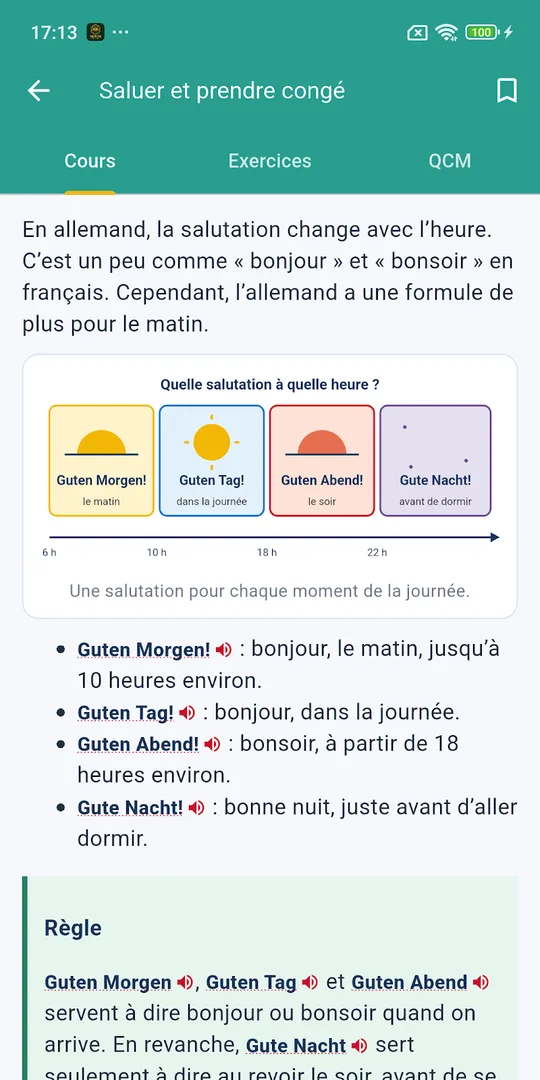
- Lessons with translated examples, tables and diagrams
- Pronunciation: tap a German word to hear it with your phone’s voice
- Progressive worksheets for each chapter
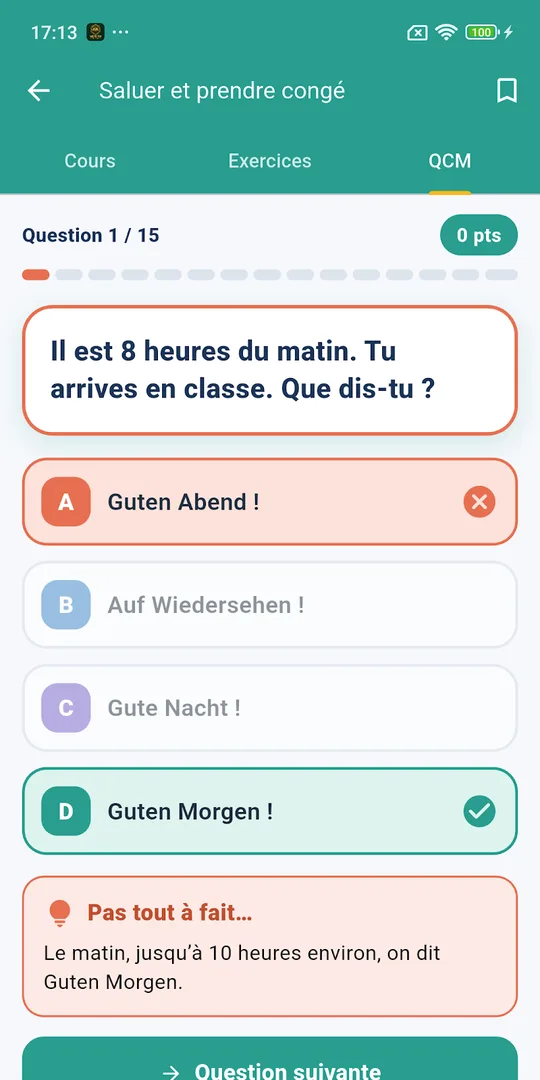
- Quizzes of 15 questions with sounds, colours, a final mark, advice and a zone for questions to review
- Graded tests marked out of 20
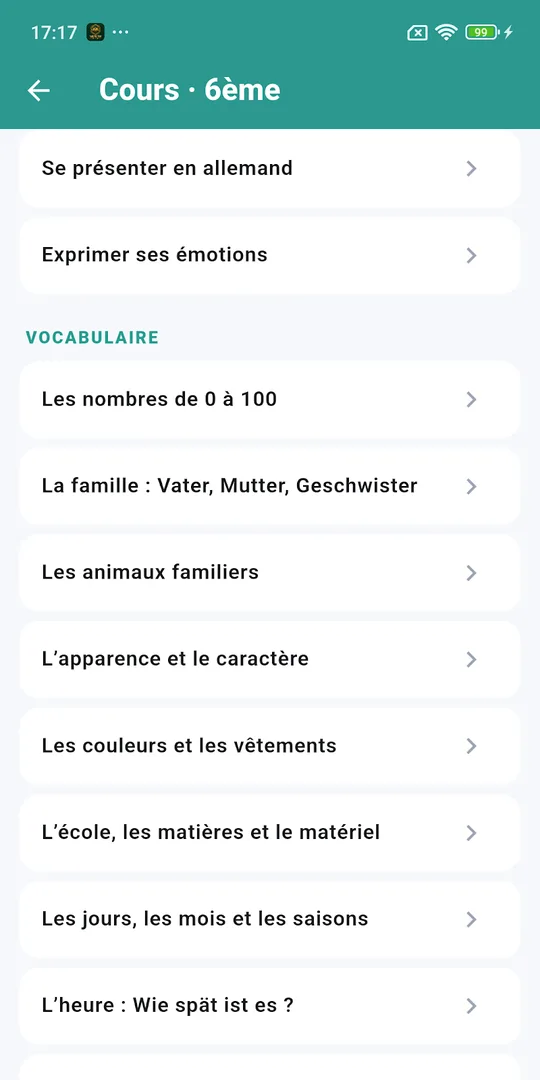
- A path from the German alphabet to baccalauréat exam topics
Getting started with the Apprendre l’allemand app
- Install the app from Google Play.
- Start with the alphabet and pronunciation chapters.
- Tap the German words and repeat them aloud.
- Read a lesson in French, then do the worksheet.
- Take the quiz and revisit the zone à revoir the next day.
Who benefits from this German app
The app is aimed at French pupils at 6ème to Terminale, who may be starting German as a first or second language. For you, it makes sense if you read French at B1 or higher and have a reason to learn German, for example living near the border, working in Europe or studying for fun. The explanations use French school terms, so you will meet them repeatedly. If your French is still at A1 or A2, build it first with the site lessons and return to the app later.
Tips for using the Apprendre l’allemand app
Play the spoken words with the sound on and say each one aloud, even if you only whisper it. German pronunciation is regular once you know the rules, and hearing the phone voice repeat the same word builds confidence. Use the zone à revoir as a personal list, and keep your French notes in the margin of a notebook. After two weeks, return to the first quiz and see how many questions you now answer without hesitation. That comparison is more motivating than any badge.
Pairing the app with the website
Practise your French with the A1 lessons and the A1 quizzes on this site, then use the German app as a second layer of reading. The B1 lessons are a good next step when you can follow a full lesson in French without a dictionary.
Compatibility and data
The app works on Android phones and tablets. Finished chapters, best marks and favourites stay on your device, no account is needed, and there are no ads. The sources mention no iPhone version.
Frequently asked questions
Can English speakers use Apprendre l'allemand?
Yes, if they read French comfortably, roughly B1 or above, because all the explanations are in French. The German content itself starts from the alphabet and pronunciation.
Does the app have audio?
It lets you tap a German word and hear it with the voice of your phone. That helps with pronunciation chapters and with vocabulary in the lessons.
What levels does Apprendre l'allemand cover?
It covers 6ème, 5ème, 4ème, 3ème, 2de, 1ère and Terminale, so it follows German as a first or second foreign language in French schools from age 11 to the baccalauréat.
Is the app available on iPhone?
The sources for this page only describe the Android version. Check the store listing for the current situation on your device.
