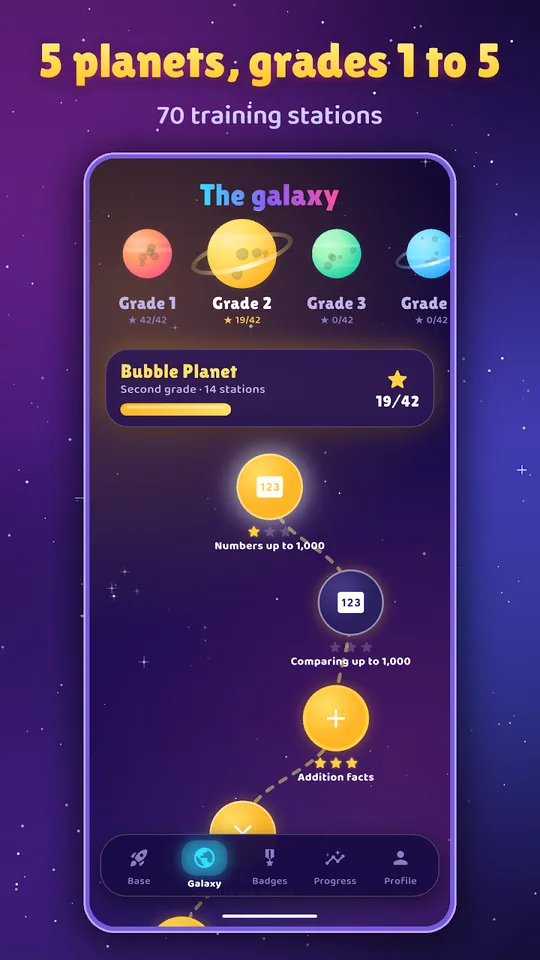
The Calculonautes app is an Android app that turns mental arithmetic into a space adventure for children from CP to CM2. Each class is a planet and each skill is a station to conquer.
The interface exists in French and in English. For a family raising a child in French, or an adult learning, the game offers numbers practice with a strong visual guide.
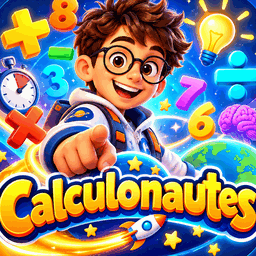
Get Calculonautes
At a glance
- Platform: Android
- Levels: CP to CM2
- Planets: 5
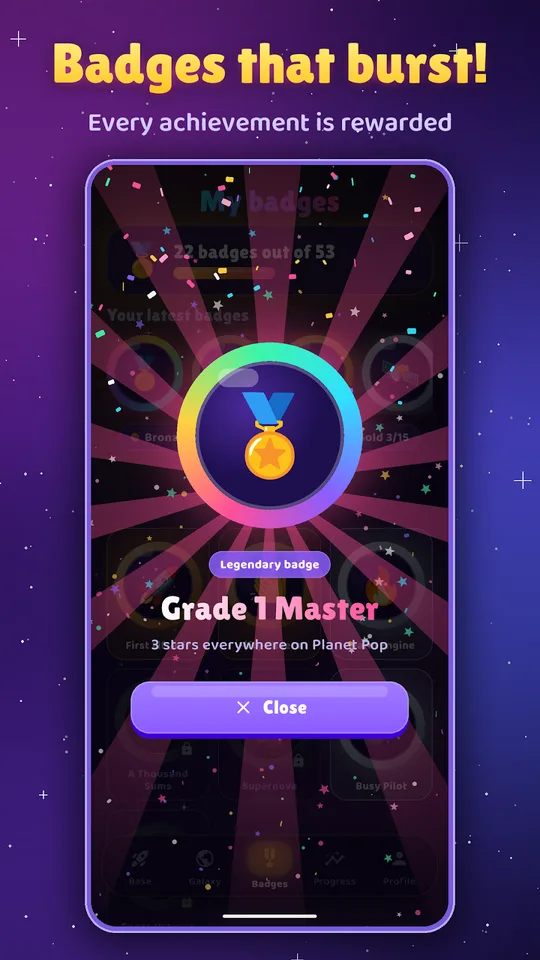
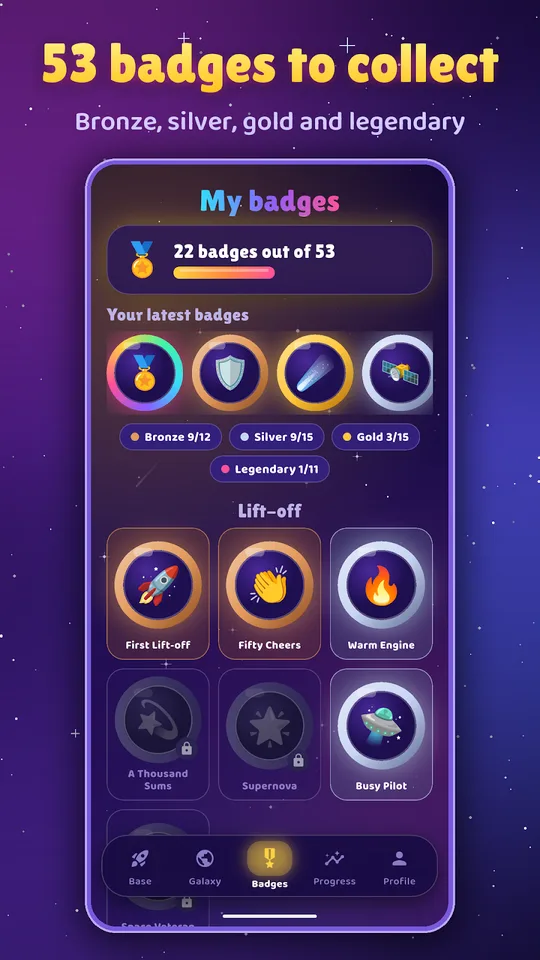
- Badges: more than 50
- Interface: French and English
- Ads: none
A mission with the Calculonautes app
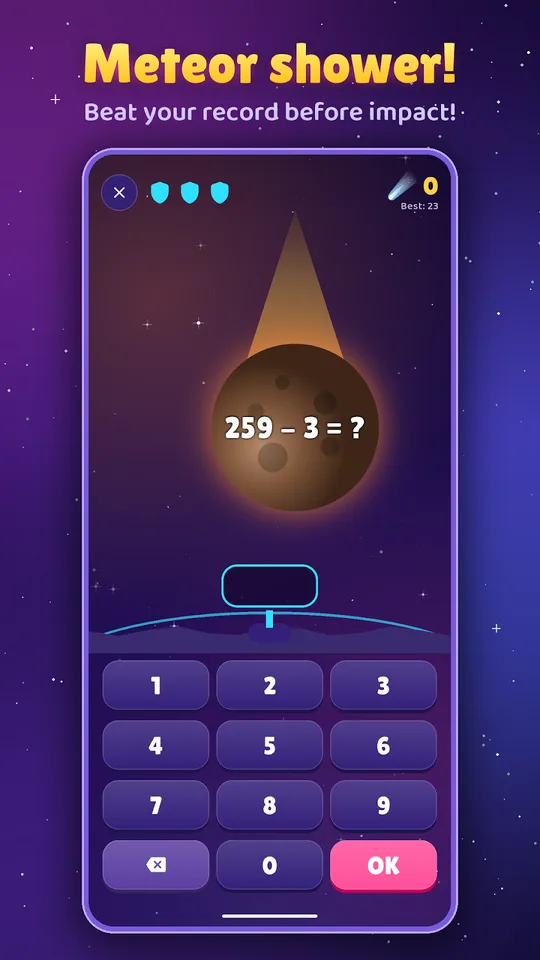
A child picks an astronaut helmet and takes off. Today’s mission has 12 mixed calculations and doubles the experience points. A fuel gauge drains as the seconds pass, so speed matters but not at the expense of accuracy. After a mistake, a tip shows how to calculate better. Later, the meteor rain mode asks the child to destroy the calculations before they crash on the base. On the weekend, two players can duel on the same screen, each with their own class.
What is inside
- Five planets from CP to CM2, with skills taken from the official French programme
- Questions drawn at random each game, getting harder with progress
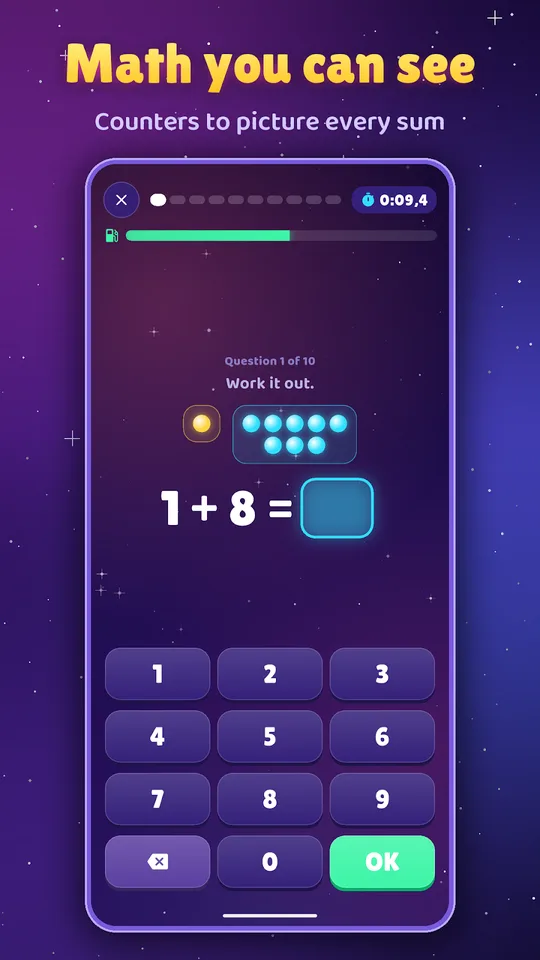
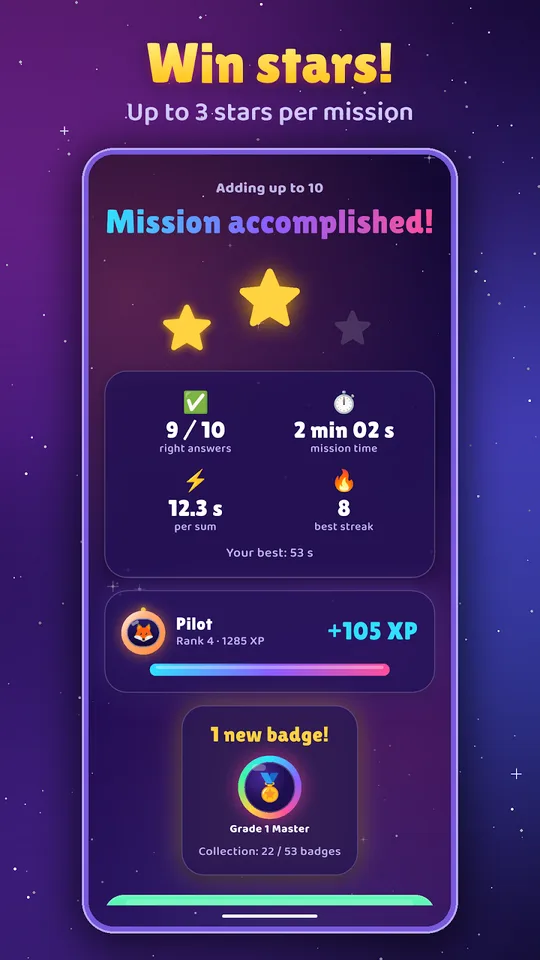
- Stopwatch, fuel gauge and personal records for every mission
- Mission of the day, meteor rain and two-player duels
- More than 50 badges and 12 astronaut ranks
- Visual aids for younger children: dots, fingers, tens and units, coins and notes
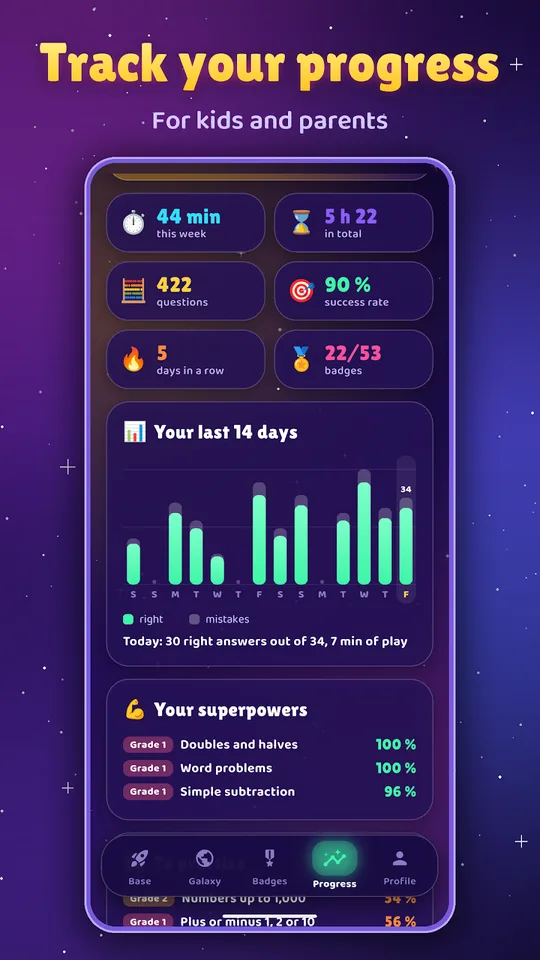
- A progress screen with playing time and strengths
Getting started with the Calculonautes app
- Install the app from Google Play.
- Choose a helmet and the planet matching the school class.
- Run a first mission of 10 calculations.
- Read the tip after every mistake.
- Check the progress screen after a week.
Who the Calculonautes app is for
Families who speak English at home and send a child to a French school will find it useful: the child practises the same skills as classmates, and the English interface helps parents follow along. Adult learners can also try the early planets to hear and read basic number words without pressure. The visual aids for small children make the arithmetic clear even when the vocabulary is new. Progress is stored in a Google account, so a child can continue on another device.
Tips for using the Calculonautes app
Let the child lead and sit nearby. Read the instructions aloud together, in French first and in English if needed, and name the numbers in both languages. The tips after mistakes are short and use simple verbs, which is ideal for early readers. The progress screen shows strengths and weak spots, so use it once a week to choose the next mission. Keep sessions short, ten to fifteen minutes, and end with the duel mode, which turns learning into a family game.
Connecting it with French PDF
On this site, the A1 lessons cover everyday vocabulary and the A1 quizzes let you test it. The space game then adds regular, playful number practice, in short sessions that suit young children.
Compatibility
Android phones and tablets, with sound effects and no ads. The sources do not list an iPhone version. The app was created by the Mathovore site.
Frequently asked questions
What is the Calculonautes app?
It is an Android mental maths app for children from CP to CM2, built as a space adventure with five planets, missions, rewards and duels. The interface is in French and English.
Can two children play together?
Yes. A duel mode lets two players share one screen, each with their own class level. It works well with a parent or a sibling.
Are there ads?
No. The app has no ads. Progress is saved on a Google account and can be recovered on another device.
How does the app deal with mistakes?
After an error, it shows a mental calculation tip that explains how to proceed. A progress screen also shows which types of calculation need more work.
