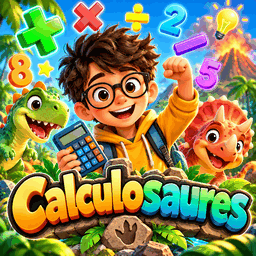
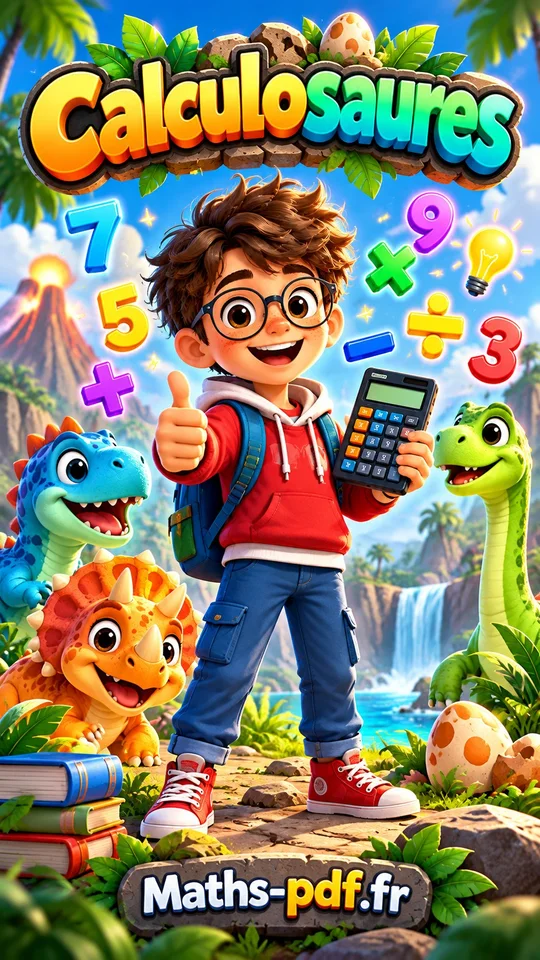
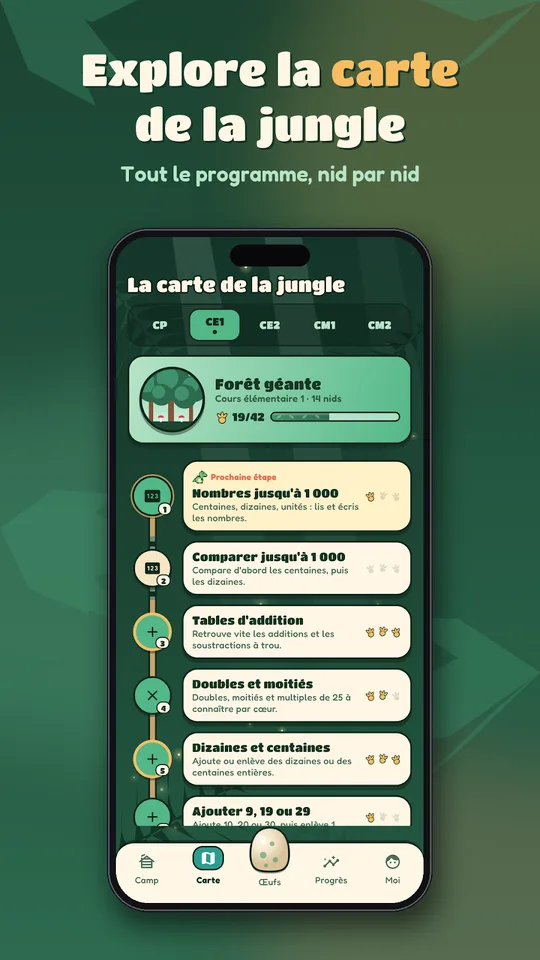
The Calculosaures app is an Android app that turns mental arithmetic into an expedition in the time of the dinosaurs, for children from CP to CM2. Each class is a territory and each skill is a nest.
A child picks one of 16 dinos and follows Rexou, the mascot. The interface is in French and in English, and there are no ads.
Get Calculosaures
At a glance
- Platform: Android
- Levels: CP to CM2
- Territories: 5
- Skills: nearly 70
- Interface: French and English
- Ads: none
An expedition with Calculosaures
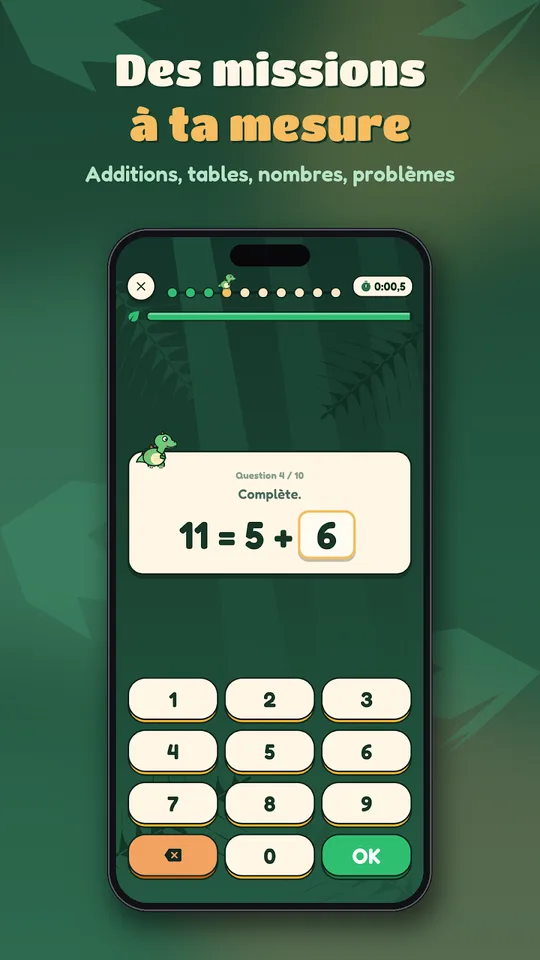
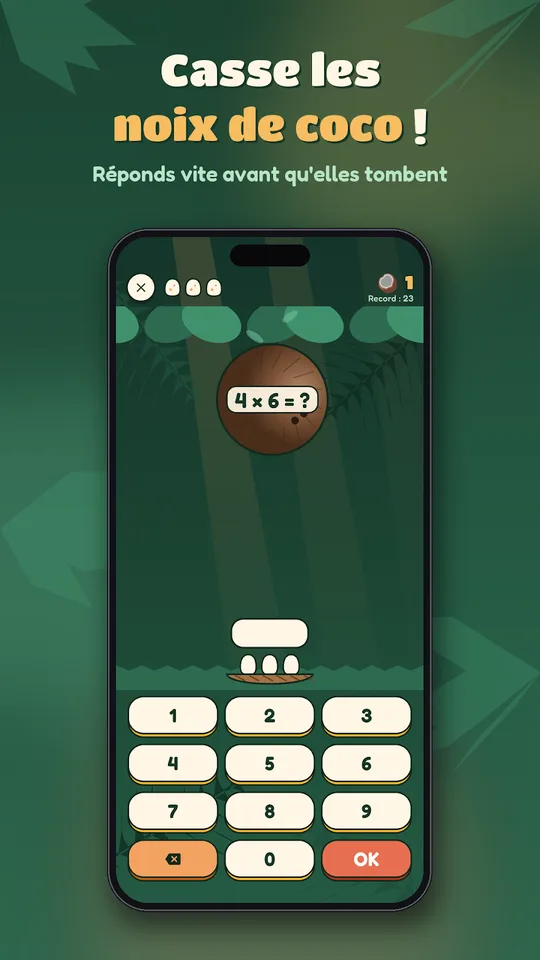
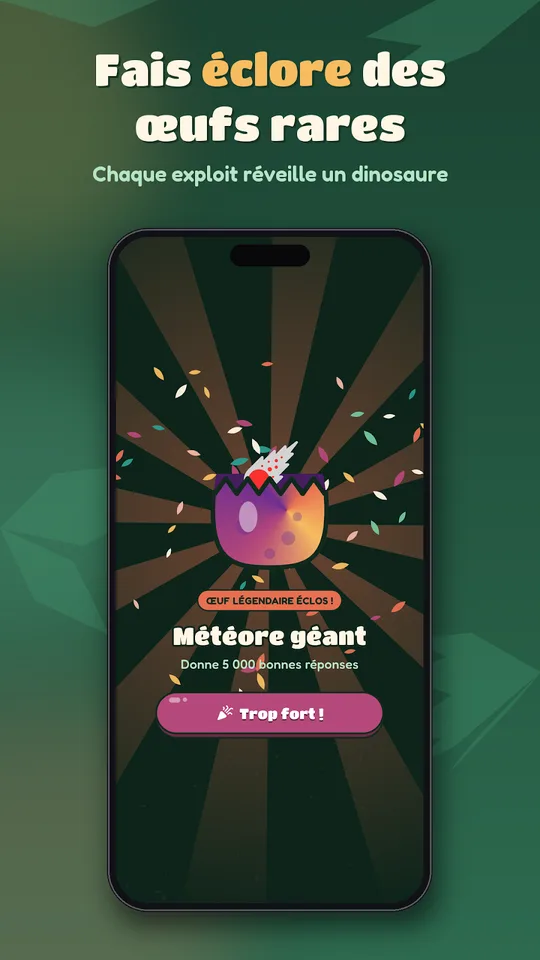
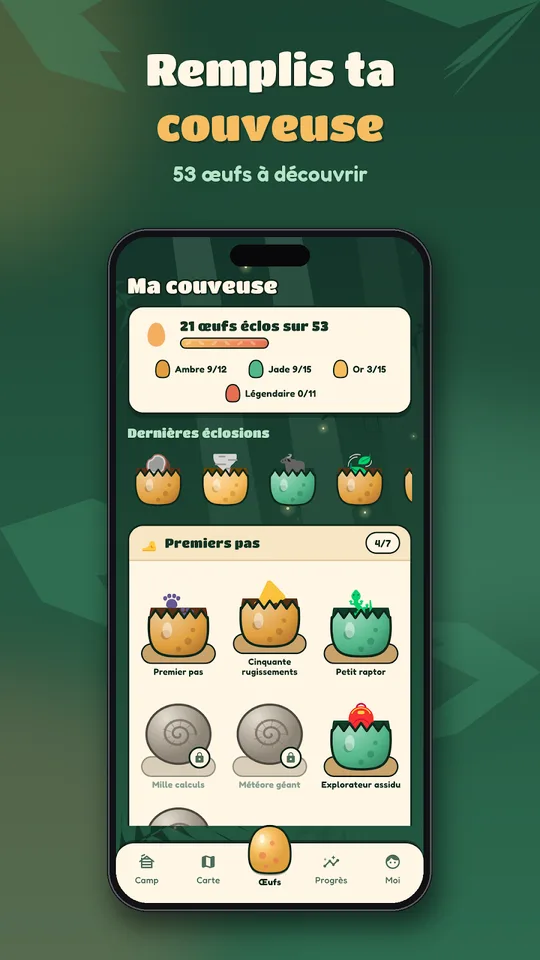
A child chooses a dino and heads for the Plaine fleurie, the CP territory. A mission is 10 calculations with an adjustable timer, which can also be switched off. Each mission earns up to three footprints. Then the child plays the coconut rain, breaking calculations before they crush the eggs in the nest. At the weekend, a parent joins for a duel on the same screen. Earned eggs hatch on screen, while unearned ones remain fossils.
What a child finds there
- Five territories: Plaine fleurie, Forêt géante, Marais des lianes, Falaises des ptéros, Volcan grondant
- Nearly 70 skills from the elementary programme: complements of 10, tables, change, decimals, first fractions
- Mission of the day with 12 mixed calculations and double experience points
- Duel for two on one screen
- More than 40 egg badges and 12 ranks, from Œuf tout neuf to Roi des dinos
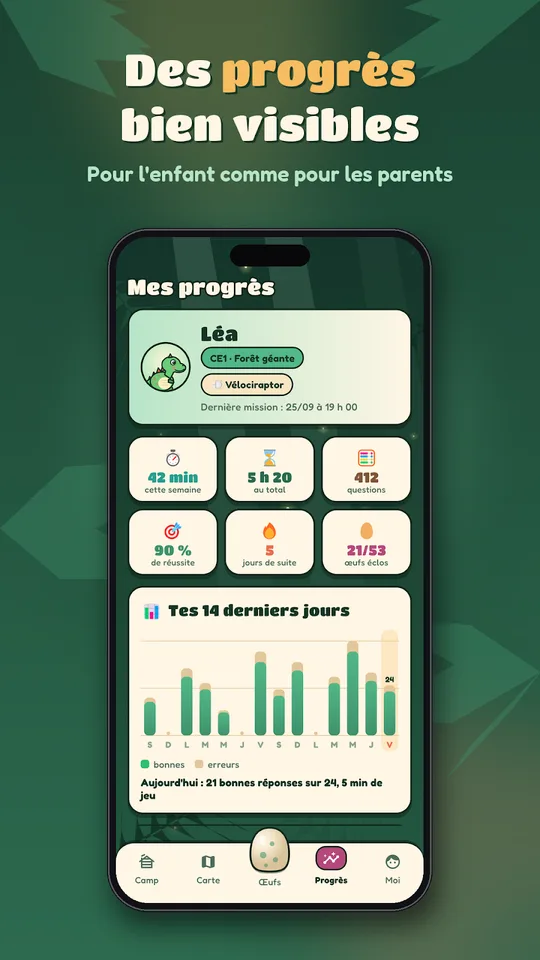
- Visual aids and a progress screen for parents
Getting started with the Calculosaures app
- Install the app from Google Play.
- Let the child choose a dino.
- Start on the territory matching the class.
- Run one mission of 10 calculations.
- Look at the progress screen together.
For families and for learners of French
A child in a French school, or in a bilingual family, can practise at home the same skills as in class. The tips after each mistake show how to proceed. Adults learning French will find the early territories handy for number words and simple instructions, and the playful tone keeps stress low. The visual aids, such as fingers, dots and coins, make the maths clear even when a word is unknown.
Tips for using the Calculosaures app
Let the child pick a favourite dino among the 16, since attachment to the character helps motivation. Start every session with the mission of the day, then finish with the coconut rain or a duel. Read the tip after each error together, aloud, and repeat the key phrase. Turn the timer off at first for younger children, then switch it on once they feel comfortable. Check the progress screen every Sunday and choose one nest to visit during the week, which keeps goals small and clear.
Linking with French PDF
Use the A1 lessons for the French vocabulary a child needs, and the A1 quizzes for simple checks. The dinosaur game then provides the daily calculation practice.
Compatibility
Android phones and tablets, with sound and animation. Progress is stored on a Google account and found again on another device. It is published by Maths PDF. The sources do not mention an iPhone version.
Frequently asked questions
What is Calculosaures?
It is an Android mental maths app for CP to CM2 with a dinosaur theme: five territories, nearly 70 skills, missions of 10 calculations and badges shaped like eggs.
Can two people play together?
Yes. A duel mode allows two players on the same screen, each at their own level, which works well with a parent or a sibling.
Can the timer be turned off?
Yes. The timer is adjustable, and it can be switched off so that a child can take their time.
Which languages are available?
The interface is in French and in English. The app has no ads and saves progress on a Google account.
