

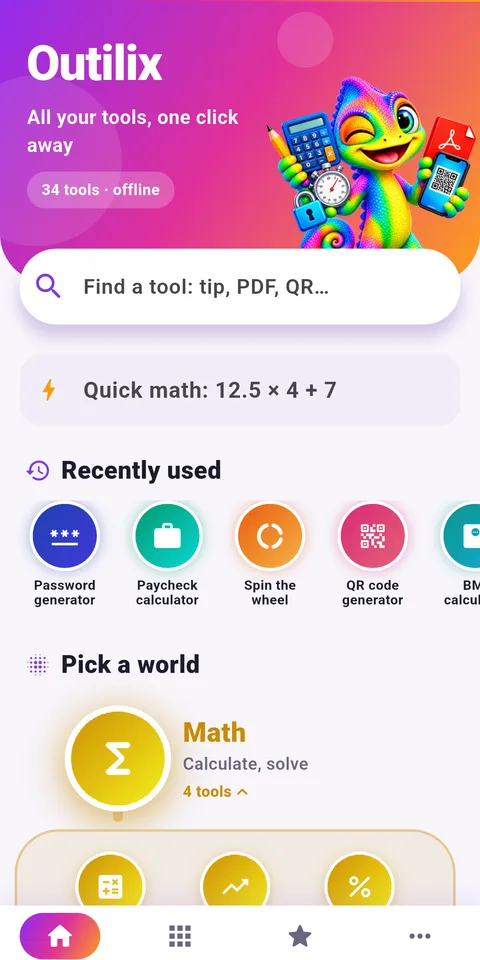
The Outilix app is an Android toolbox that gathers 34 small tools in one place: calculators, dates, PDF, QR codes, text and passwords. Everything runs offline, with no account to create.
It is not a French course. Its value for a learner of French lies elsewhere: it counts the words of a written answer, estimates reading time, turns paper notes into a PDF and shows the time in France. The menus follow the phone language, French or English, which makes it a quiet way to read French every day.

Get Outilix

At a glance
- Platform: Android (iPhone version in preparation)
- Tools: 34 in 9 categories
- Interface: French and English
- Works offline: yes
- Account needed: no
A study day with the Outilix app
Picture an AP French student in Ohio. At 7 a.m. she checks the world clock tool to see that it is already 1 p.m. in Paris, the right moment to send a message to her pen pal. In class, her teacher hands out a printed text: she scans it with the phone camera, the app crops the page and saves it as a PDF she can annotate at home.
In the afternoon she drafts a short essay. She pastes it into the word counter and sees at once whether she stays under the word limit, and how long it would take to read aloud. A title written in capitals by mistake? The case tool switches it to normal letters in one tap. In the evening, her study group draws lots to decide who presents first, and the dice tool settles a vocabulary game.
What the toolbox contains
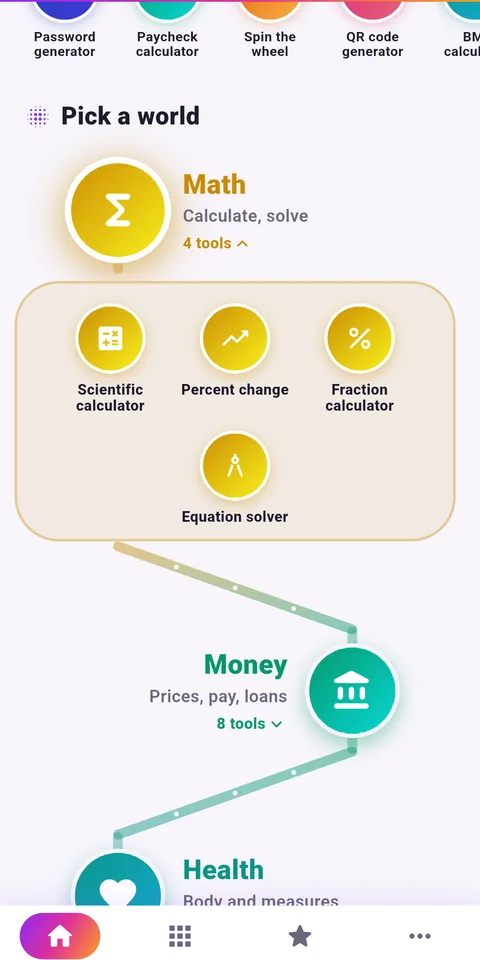
The 34 tools are sorted into 9 coloured categories. Those most useful to a language learner are:
- Text: word counter with characters and reading time, and a case converter (upper case, lower case, title case, camelCase)
- Dates: world time zones, countdown to an event such as an exam, days between two dates, stopwatch with laps and timer with an alert
- PDF: scan a document with the camera, put several photos into one PDF, merge several PDF files
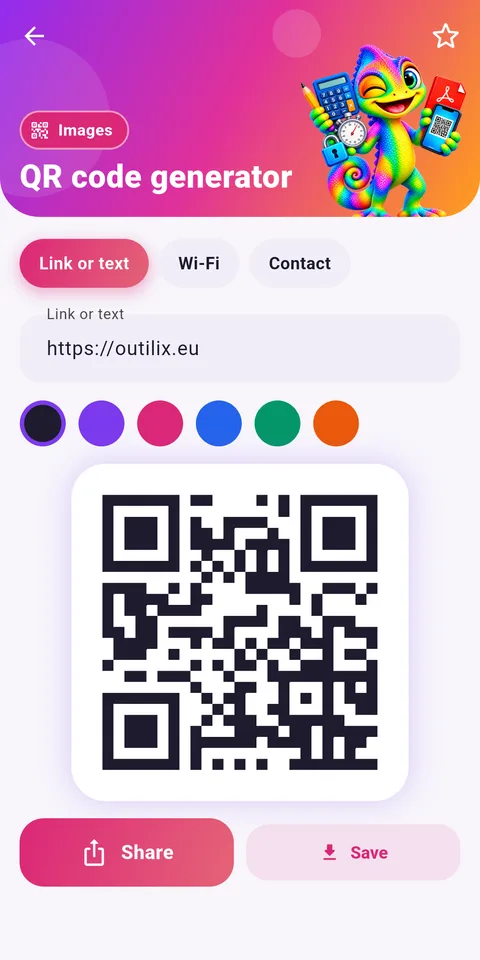
- Images: create or read a QR code, compress a photo before sending it
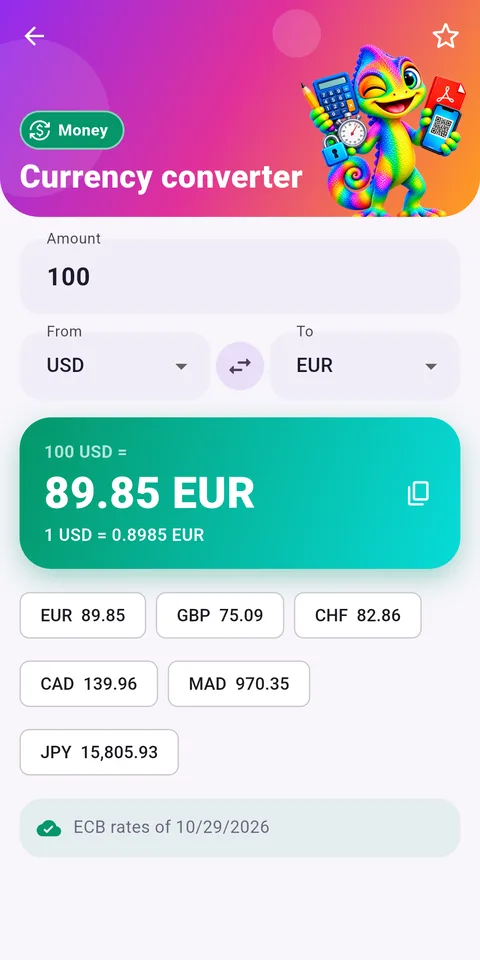
- Money: currency converter with the daily rate, handy before a trip to France
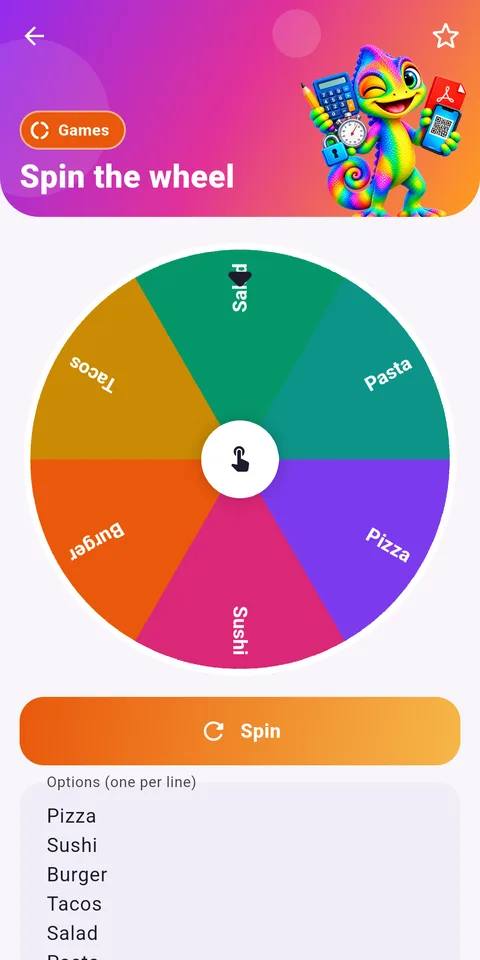
- Games: draw names, spin a wheel, roll 1 to 6 dice, pick a random number
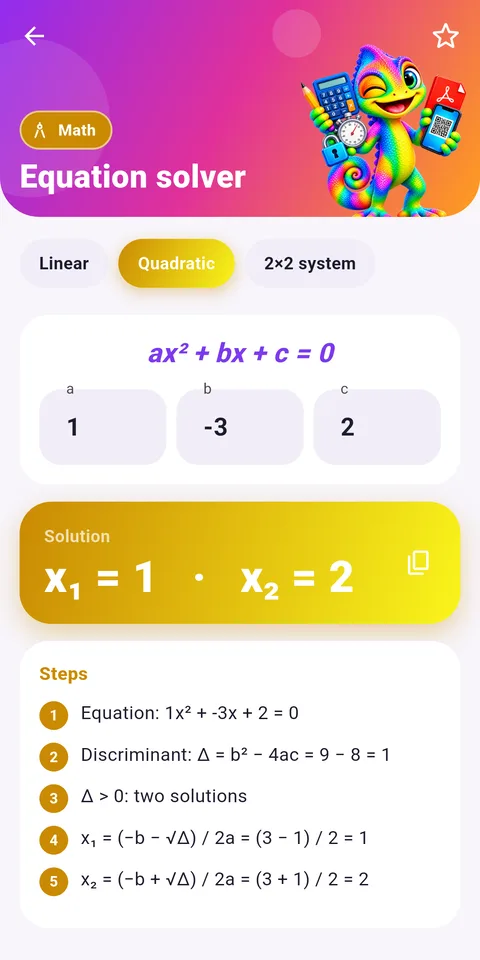
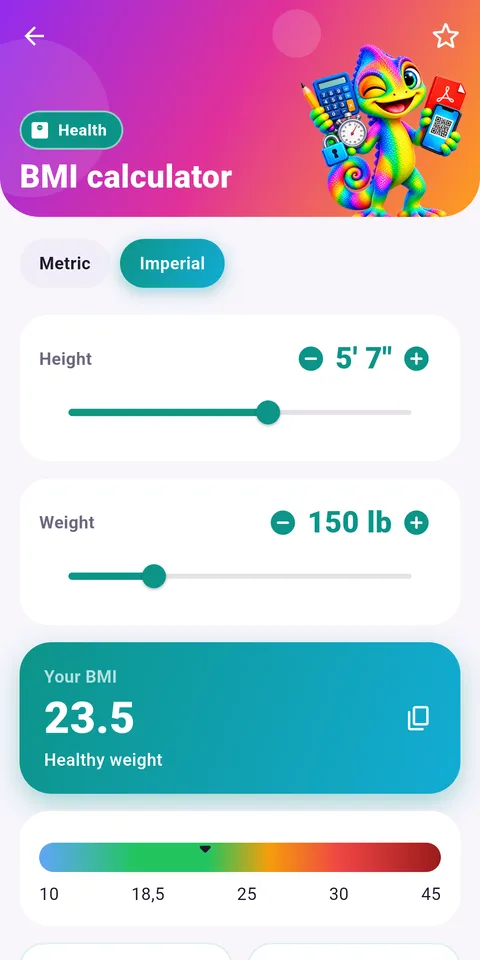
Maths, health and password tools complete the set.
Getting started with the Outilix app
- Install the app from Google Play on your Android phone.
- Set the phone language to French if you want the menus in French, or keep English.
- Use the search bar on the home screen to find a tool by name.
- Add the tools you use most, such as the word counter, to your favourites.
- Open the favourites tab at the bottom of the screen to reach them in one tap.
How it fits with your French lessons
Many writing tasks have a word target, and the word counter helps you respect it without counting by hand. When you prepare an oral presentation, the reading time gives a first idea of its length. For the AP French worksheets, scan your handwritten answers into a single PDF to keep a clean record of your progress. Students working on A2 worksheets can time each problem with the stopwatch, and those aiming higher can set a countdown to the day they sit the B2 tests.
Reading the interface in French also brings real words into daily life: Accueil, Outils, Favoris, Plus. Small labels like these are easy to learn because you see them every day.
Compatibility and languages
Outilix runs on Android and is available on Google Play. A version for iPhone is in preparation. The interface exists in French and in English only, and it follows the language set on the phone. The tools work offline because their calculations happen inside the app, and no sign-in is required.
Frequently asked questions
What is the Outilix app?
Outilix is an Android app that brings together 34 everyday tools in 9 categories: maths, money, health, dates, PDF, images, text, security and games of chance. The tools work offline and you do not need an account.
Can Outilix help me learn French?
Not as a course. It supports your study: a word counter with reading time for essays, a document scanner for your notes, a world clock to see the time in France, and menus you can read in French by setting your phone to French.
Is the Outilix interface available in French?
Yes. The interface exists in French and in English and follows the language of your phone. Switching the phone to French shows every menu and tool name in French, which is a simple way to meet useful words daily.
Is there an iPhone version of Outilix?
Not yet. Outilix is currently an Android app available on Google Play, and a version for iPhone is in preparation. On Android, the tools work without an internet connection once the app is installed.
