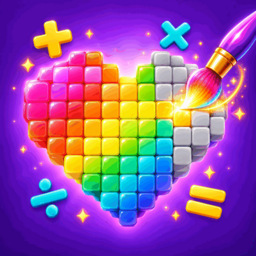
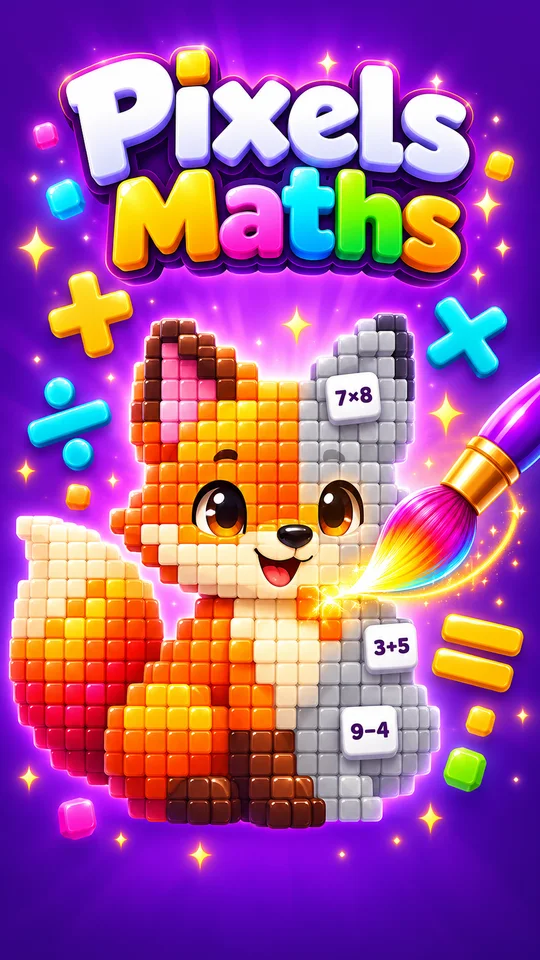
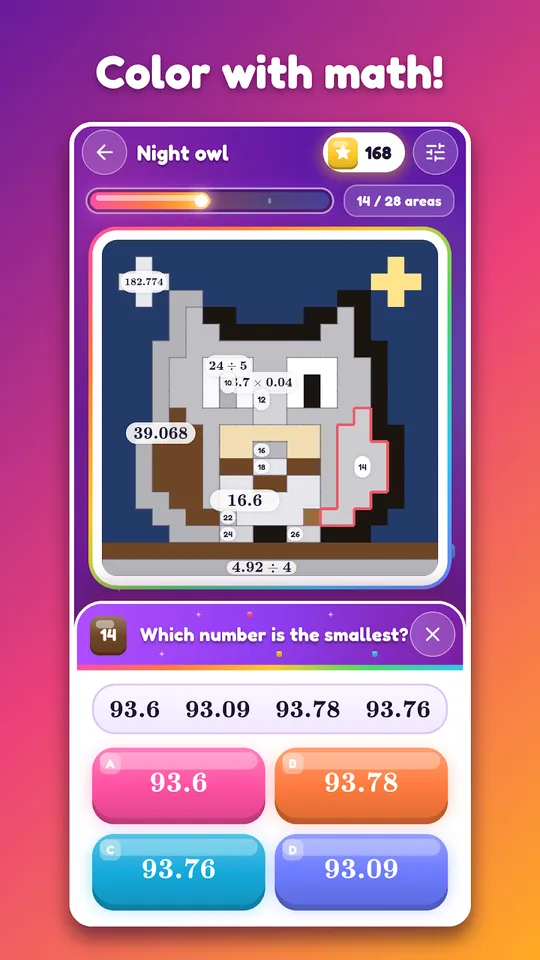
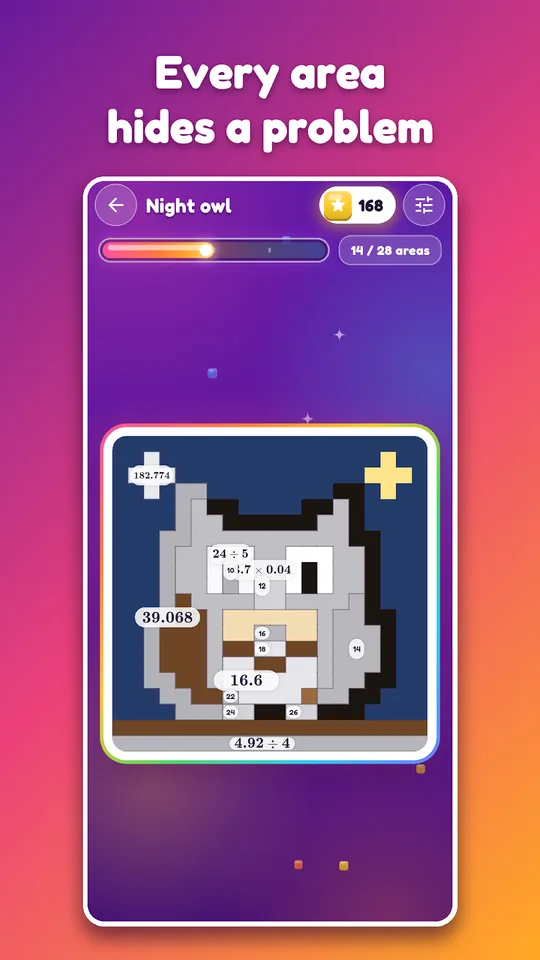
The Pixels Maths app is an Android game where each grey zone of a pixel art picture hides a calculation, and a right answer colours it in. It covers maths from CM1 to 3ème.
It works offline and comes in French and in English. For a learner of French, it is a calm way to read short maths prompts and see the answer appear as colour.
Get Pixels Maths
At a glance
- Platform: Android
- Levels: CM1 to 3ème
- Pictures: more than 60
- Calculation types: 14
- Offline: yes
- Interface: French and English
How a session goes
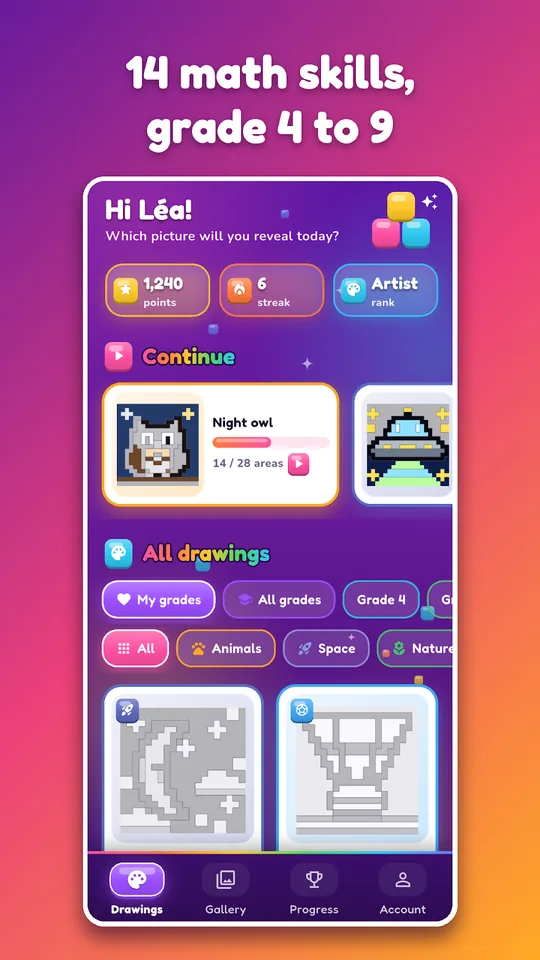
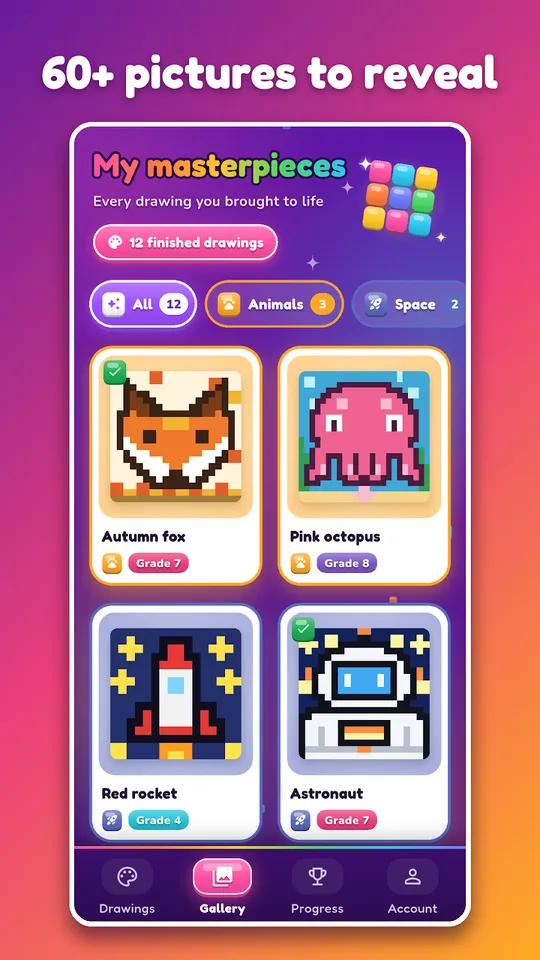
A learner picks a drawing from the gallery of more than 60 pictures, for example an animal or a spaceship, and chooses a level. She touches a grey zone and a calculation appears in large type. She answers in a multiple-choice panel or types the result. When she is right, the zone takes its colour. If she is wrong, a short correction appears and a new calculation follows. Little by little, the picture emerges. Finished drawings go to a gallery and can be shared as an image or as an animated GIF.
Features of the Pixels Maths app
- More than 60 pixel art pictures, with new ones added regularly
- 14 types of calculation: tables, fractions, percentages, relative numbers, powers, equations, Pythagoras and more
- Levels from CM1 and CM2 to 6ème, 5ème, 4ème and 3ème
- Calculations generated each game, so a drawing can be replayed
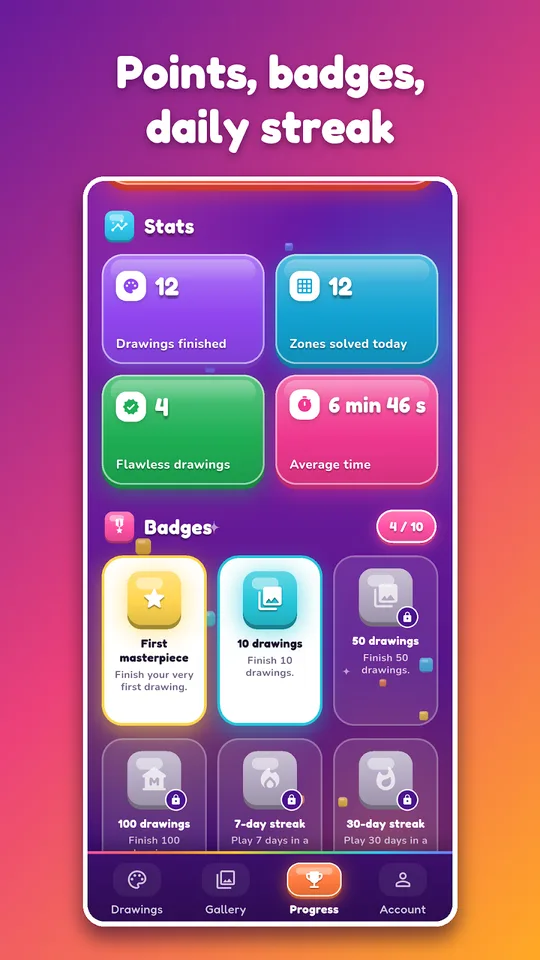
- Points, a speed bonus, daily streak, badges and four grades
- A daily reminder at a time you choose
Getting started with the Pixels Maths app
- Install the app from Google Play.
- Choose a drawing and your level.
- Tap a grey zone and read the calculation.
- Answer, then read the short correction if needed.
- Complete the picture and save it to your gallery.
How it helps a French learner
Each prompt is short and repeated across many pictures, which is ideal for learning the form of French maths questions: calcule, convertis, résous. The visual reward keeps motivation up, and because the game works offline you can use it anywhere. The levels from CM1 to 3ème let you choose arithmetic you already master so that your effort goes into reading rather than into maths. Parents can follow progress without needing a French school background.
Tips for using the Pixels Maths app
Pick a picture that excites you, because finishing it is the reward. Say each calculation aloud in French while you solve it, then read the short correction if you missed it. The same prompts return in many drawings, so the vocabulary repeats naturally. Use the daily reminder to protect your streak, and finish a small drawing in one sitting. Share your completed work with a teacher or a friend, since a GIF replays your progress and gives you something to talk about in French.
Using it with French PDF
Study vocabulary with the A1 lessons, and then play a few zones as a break. When the instructions become easy to read, try the A2 tests on the website for a more demanding check.
Compatibility
Android phones and tablets. It works offline, has no ads and saves progress across devices. Colouring pictures can be shared. The sources do not mention an iPhone version.
Frequently asked questions
What is Pixels Maths?
It is an Android game that mixes pixel art colouring with maths. Each zone of a drawing hides a calculation, and a right answer fills it with colour. It covers CM1 to 3ème.
Does Pixels Maths work offline?
Yes. The app works without an internet connection and has no ads, so it suits journeys and holidays.
What kinds of calculation are included?
There are 14 types, including times tables, fractions, percentages, unit conversions, relative numbers, powers, equations, Pythagoras and proportionality.
Can I share my finished drawings?
Yes. Completed drawings are stored in a gallery and can be shared as an image or as an animated GIF that replays the colouring.
